
Every request answered. On time.
Email, web forms, chat and social messages arrive in one queue. Each ticket has an owner, a clock and the customer's full history.

Every channel. One queue.
Requests arrive from email, the web, chat and social, sorted by category and shared out by round robin, so no one hoards and nothing waits.
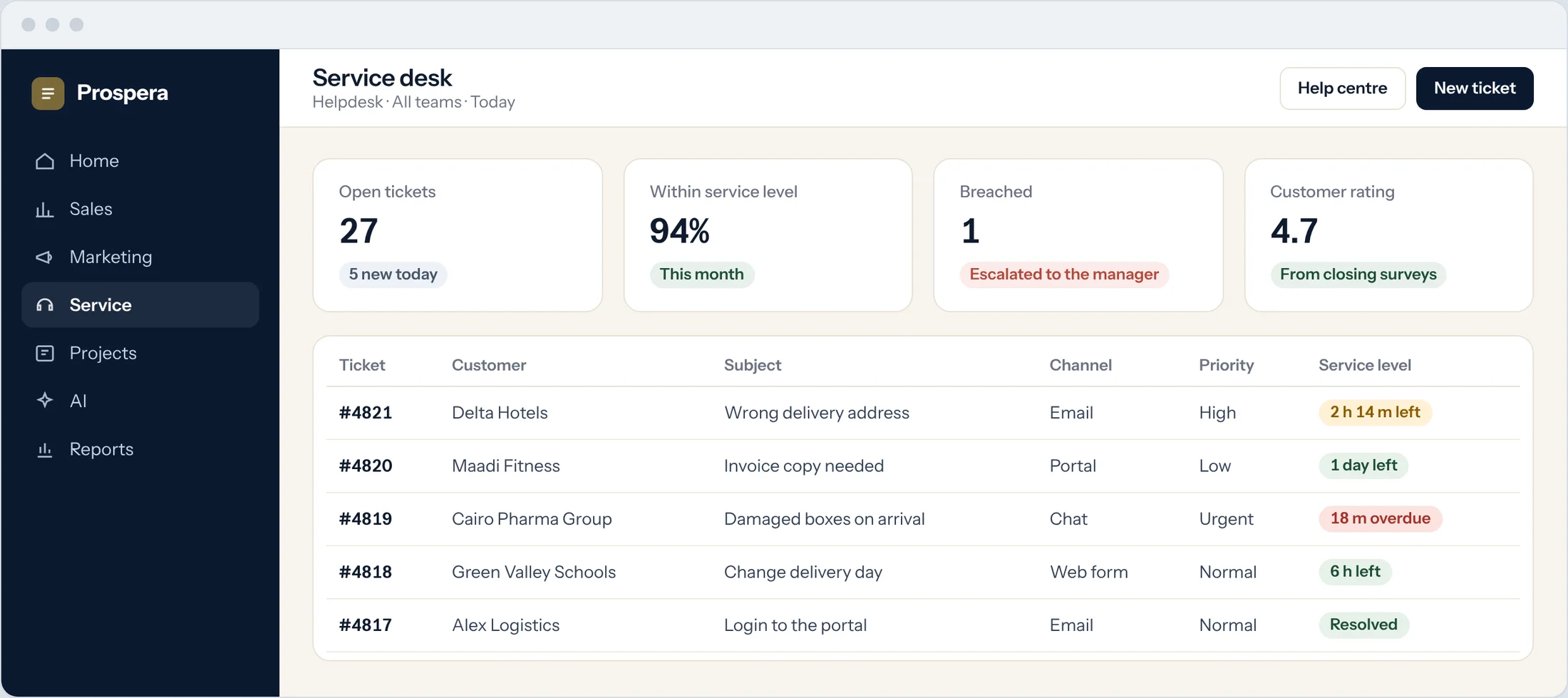
Chat becomes a ticket
A chat that needs follow-up turns into a ticket in one click.
Shared out fairly
Tickets go to the right team by category, then to the next free agent.
Rated by customers
A short survey on closing gives you a score for every agent and team.
Promises with a clock on them.
Set how fast you reply and how fast you resolve, by priority, customer or ticket type. The clock pauses while you wait on the customer, and escalates before it runs out.
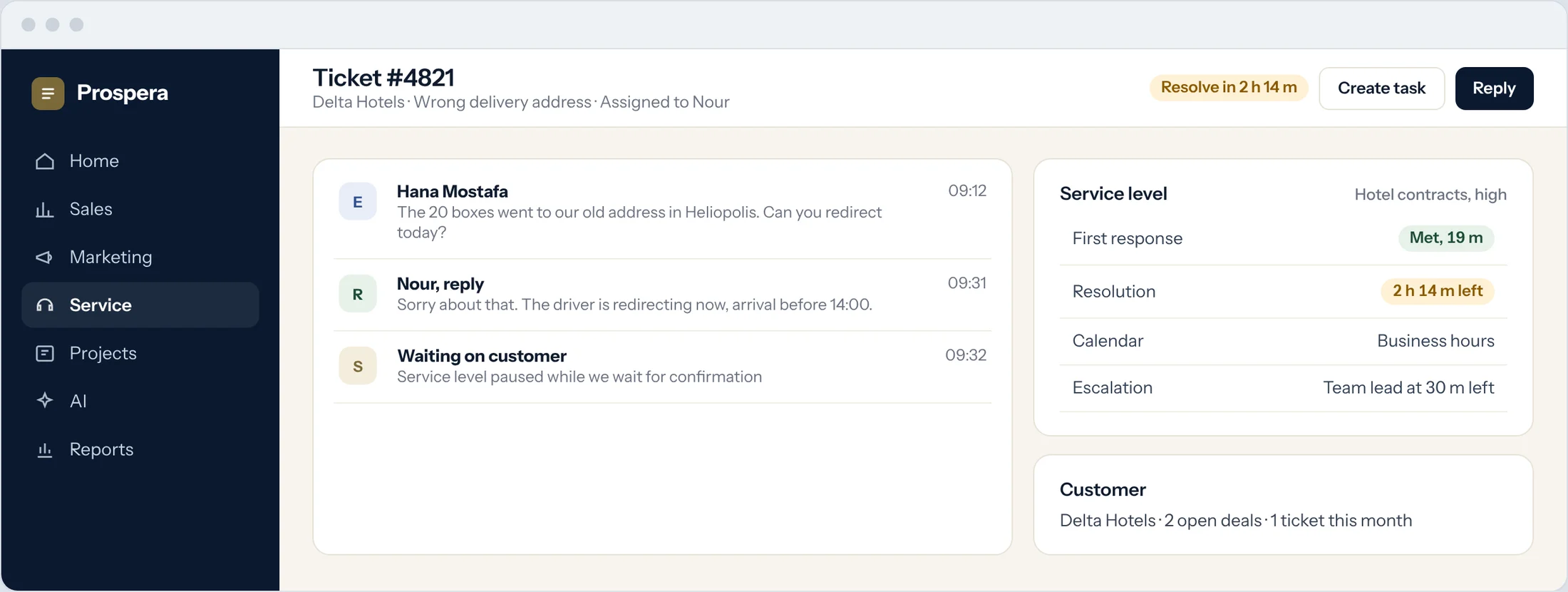
Business hours or round the clock
Each service level follows its own calendar.
Escalation in time
A manager is told before a ticket breaches, not after.
Work that follows through
Turn a ticket into a project task, and bill the time spent on it.
Built for teams who answer for it.
Six details that keep customers coming back.
Help centre
A knowledge base your customers can search before they ask.
Customer portal
Customers raise and follow their tickets in their own portal.
Approvals
Requests that need sign-off go through an approval step.
Billable time
Time logged on a ticket becomes an invoice line.
Suggested replies
The AI drafts a reply for the agent to review and send.
Reports
Volume, response times and ratings by team, agent and customer.
Questions.
Which channels can create tickets?
Email, web forms, live chat and social messages. We connect the ones you use during setup.
Can different customers have different service levels?
Yes. Set service levels by priority, customer or ticket type, each with its own calendar.
Do agents see the customer's orders and invoices?
Yes. The ticket sits on the same customer record as sales and accounts.
Can we charge for support time?
Yes. Time logged on tickets can be billed through Prospera Books.
Can customers help themselves?
Yes. A help centre and a customer portal let them find answers and follow their tickets.
Answer every customer on time.
Book a demo and we will set up a queue and a service level that match your promise.