
Answer while they are looking.
Talk to website visitors in real time. Type /lead to turn a chat into a lead, or open a ticket, without leaving the conversation.
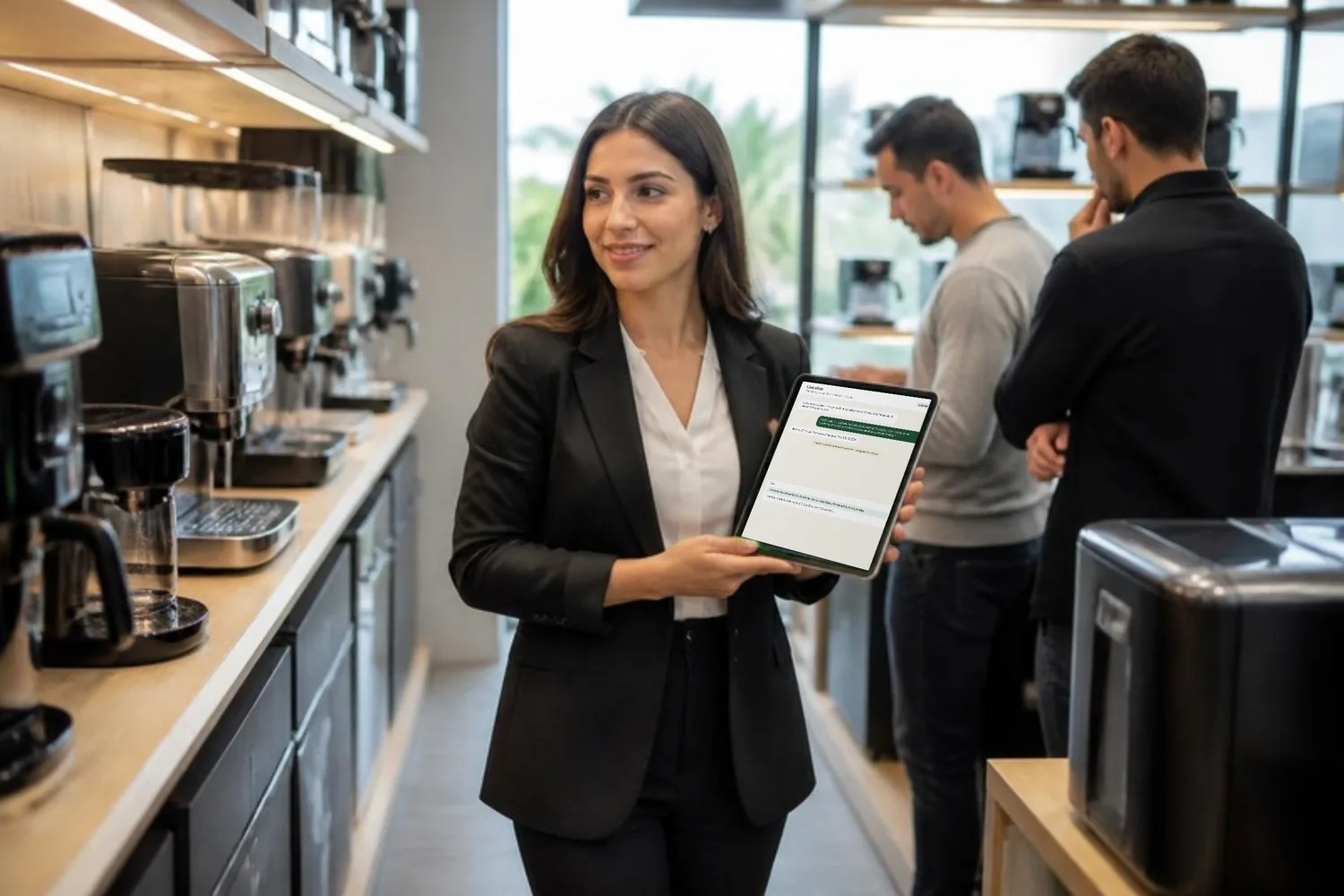
From hello to lead, in one chat.
See the visitor's pages while you talk, answer with canned responses, and create a lead or a ticket on the spot.
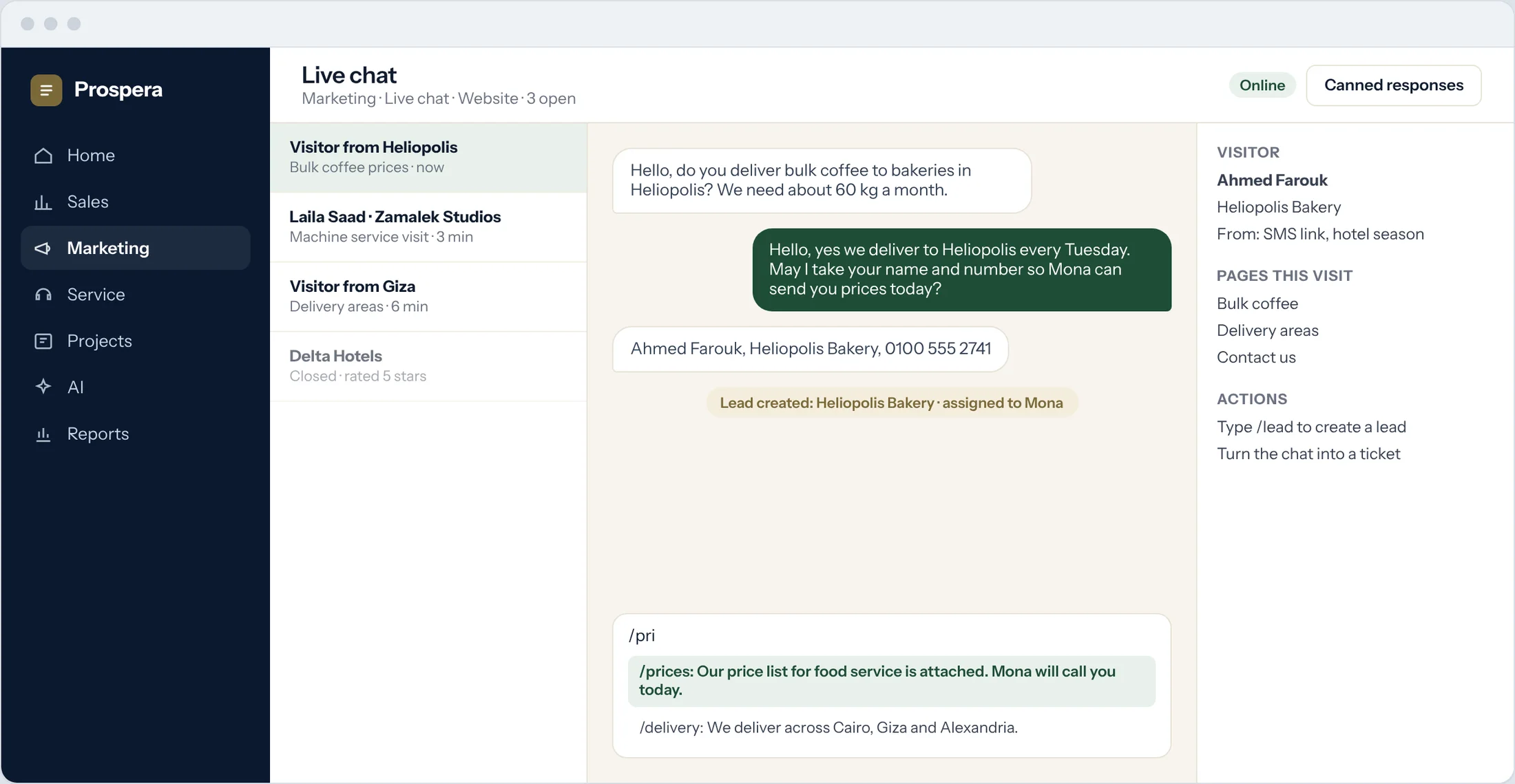
Canned responses
Type a shortcut and send a saved answer.
Lead capture with /lead
The chat becomes a lead with its history.
Chat to ticket
Service questions become tickets for the service team.
The right person answers.
Rules send each chat to the right team by page and by hours, and ask the visitor to rate the chat at the end.
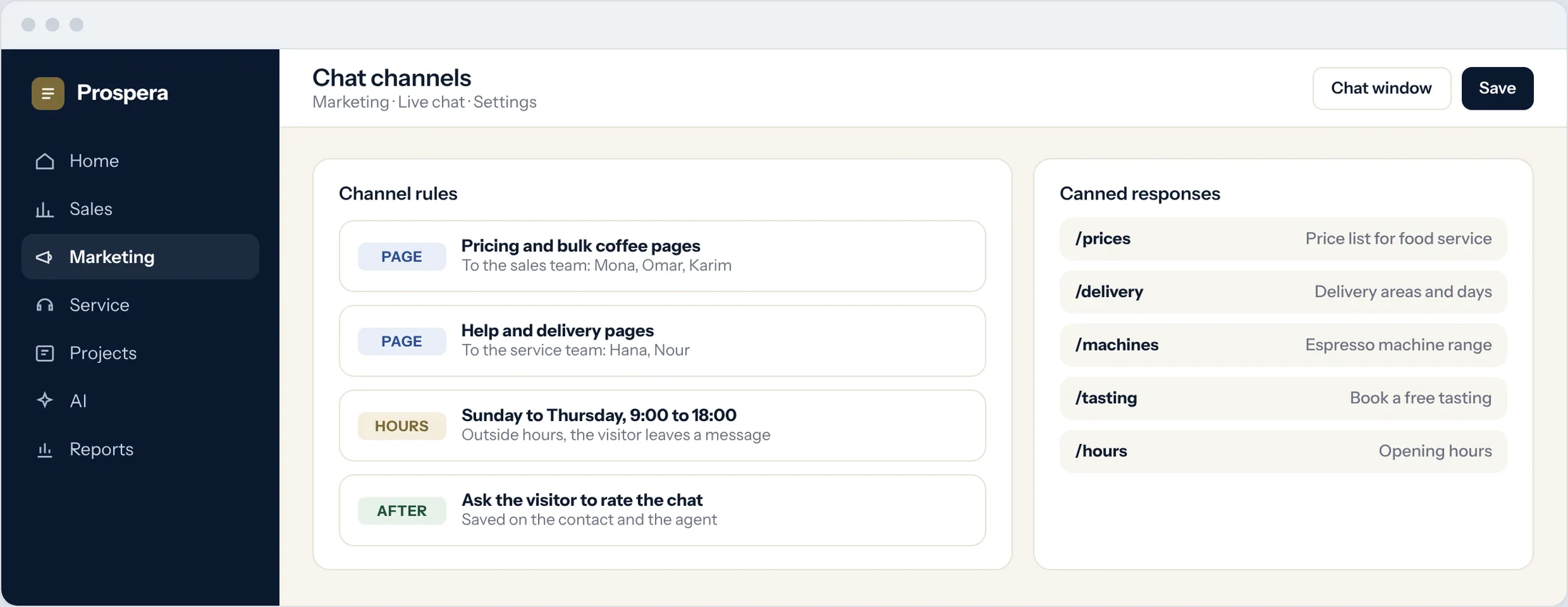
Channel rules
Sales pages to sales, help pages to service.
Working hours
Set when each channel is open.
Ratings
Visitors rate the chat when it ends.
Every chat, counted.
Session analysis shows chats, first reply times, ratings and what each chat became, by agent.
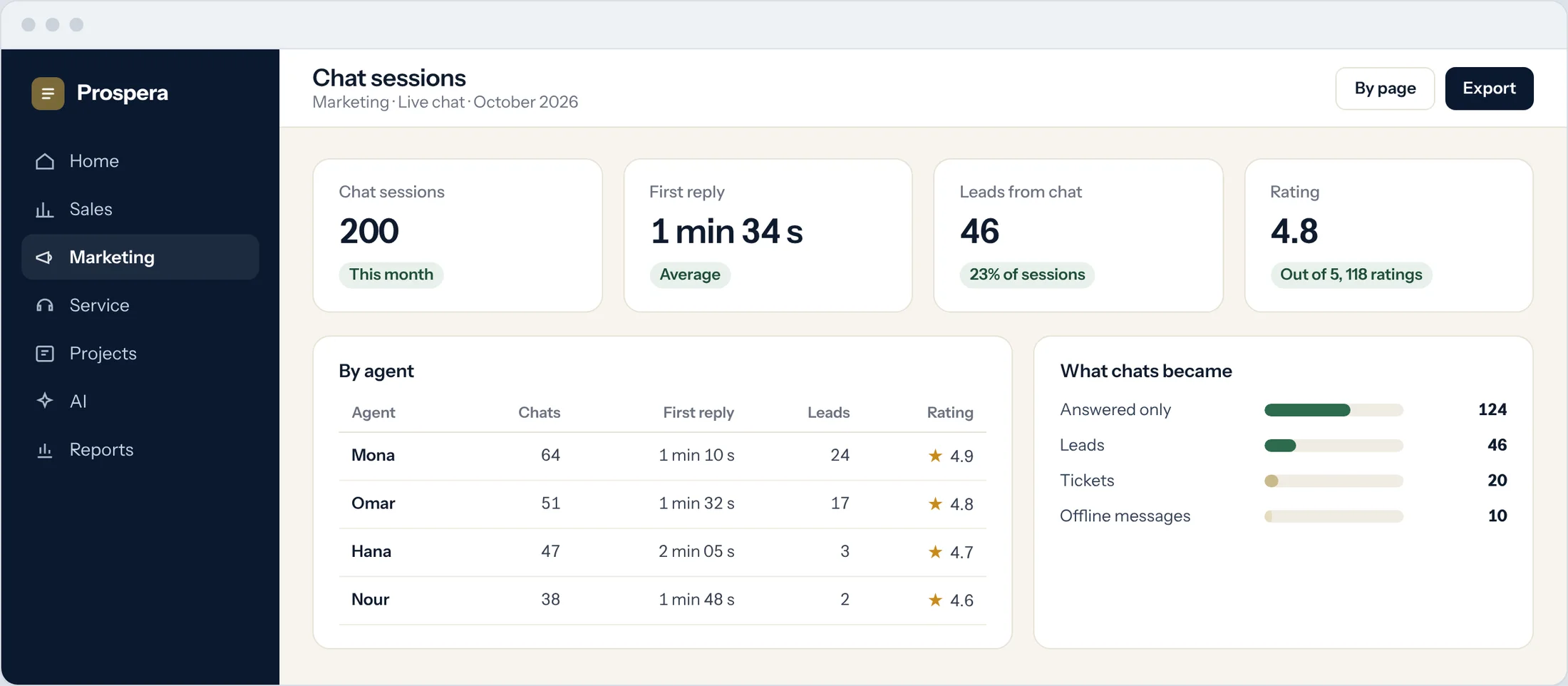
Session analysis
Chats, reply times and ratings by agent.
Chats to leads
See how many chats became leads or tickets.
On the record
Every chat lands on the contact's timeline.
Small window, big difference.
Six details that make every chat count.
On any page
Add the chat window to your website.
Visitor context
Pages and source beside the chat.
Shared contacts
The same record as sales and service.
Automation
New chat leads start the right follow-up.
Ratings
Feedback on every agent.
Permissions by role
Decide who answers which channel.
Questions.
How does a chat become a lead?
Type /lead in the chat. The lead is created with the conversation and the pages the visitor read.
Can a chat become a support ticket?
Yes. Service questions can be turned into tickets for the service team.
Who answers each chat?
Channel rules decide, for example sales pages to the sales team and help pages to service.
Can we see how the team is doing?
Yes. Session analysis shows chats, reply times and ratings by agent.
Talk to visitors while they are deciding.
Book a demo and we will add live chat to your website with you.