
Answers, any hour.
A help centre your customers can search, and a portal where they raise requests and follow every ticket to the end.

The answer is already written.
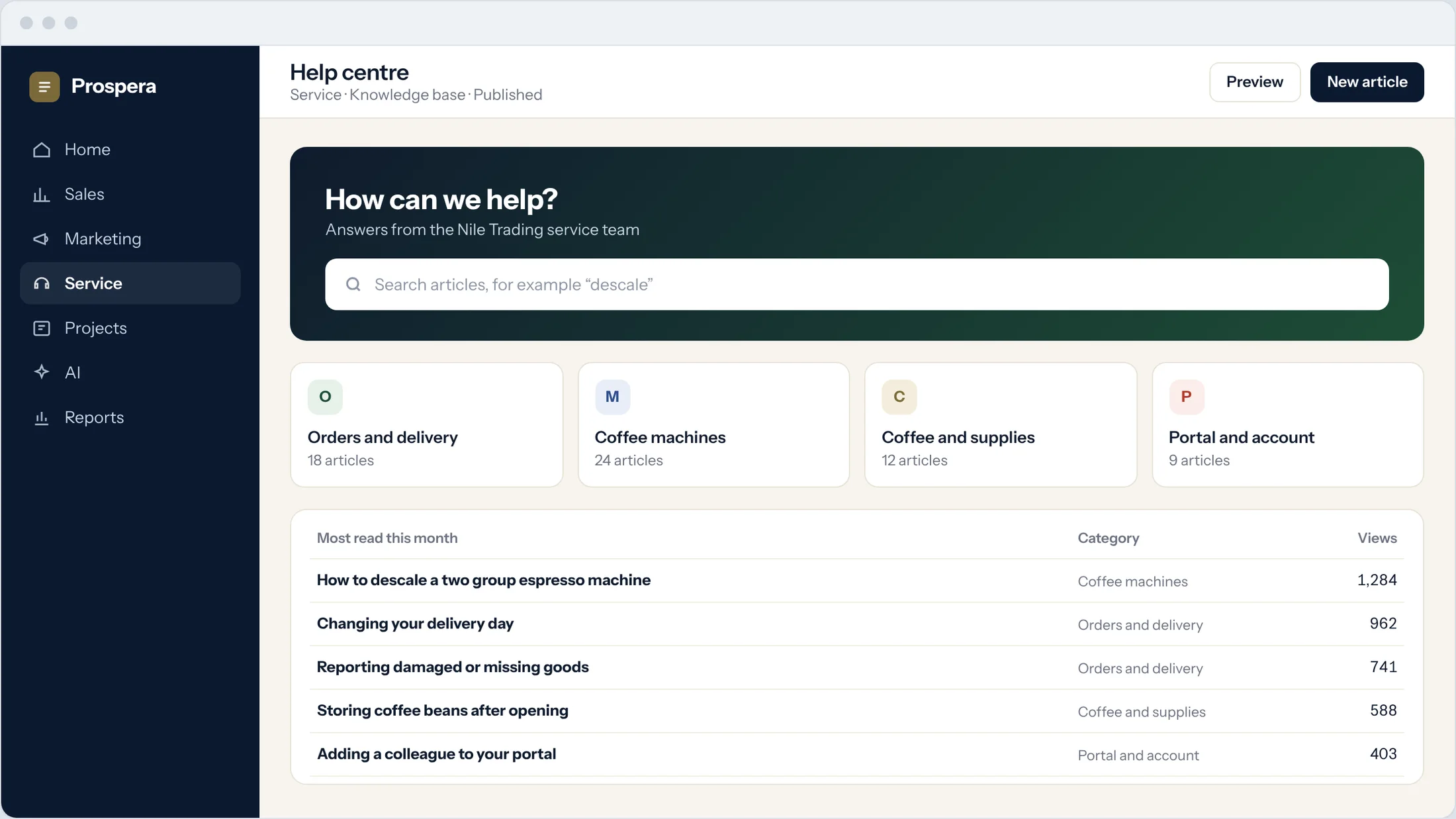
Publish articles in a knowledge base your customers can search, grouped by the topics they ask about most.
Knowledge base
Write an article once and answer the question for everyone.
What people read
See which articles are read most each month.
Clear categories
Group articles so customers find them fast.
Every request, in one place.
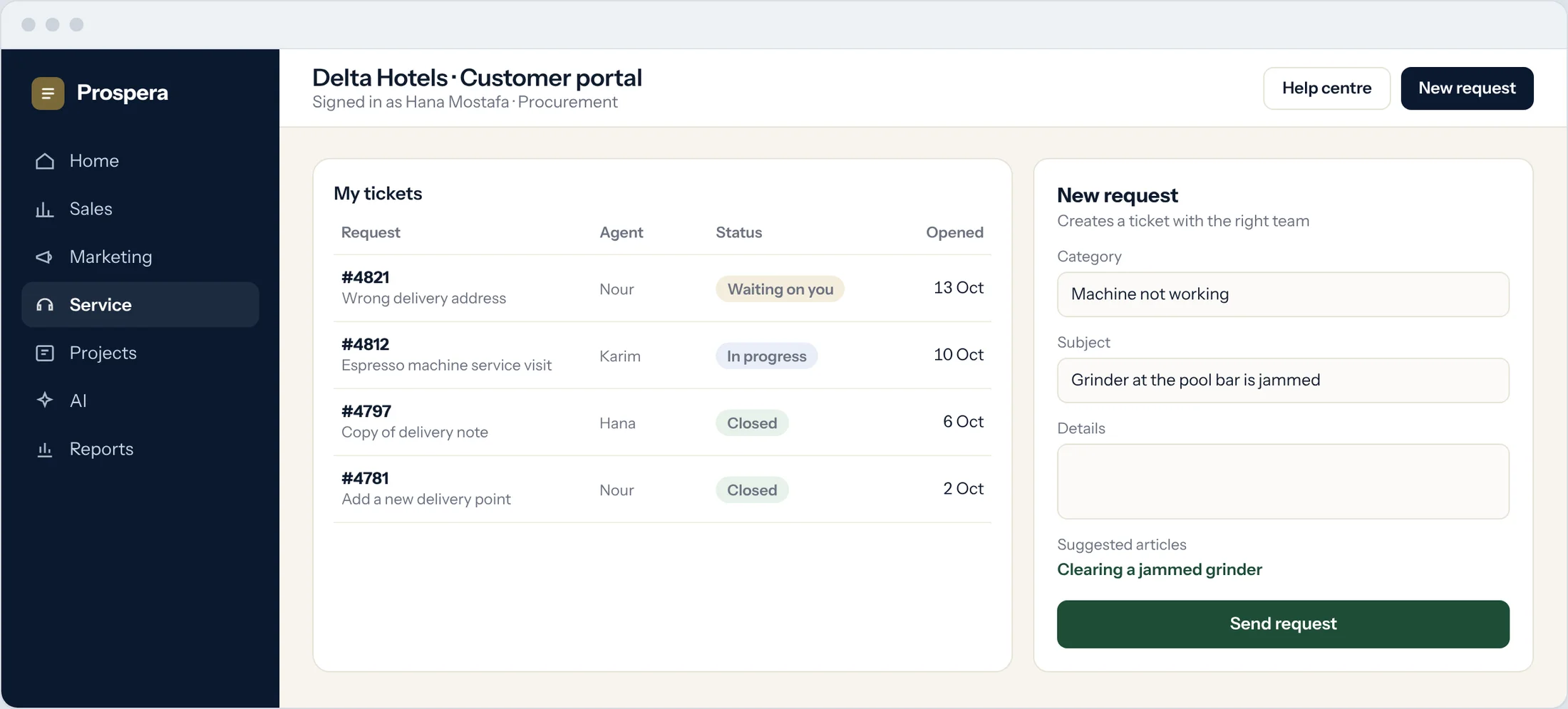
Customers sign in to raise a request and follow each ticket until it is closed.
Raise a request
A short form creates a ticket for the right team.
Follow every ticket
Customers see the status and the agent on each one.
Their tickets only
Each customer sees only their own requests.
Ask how you did.
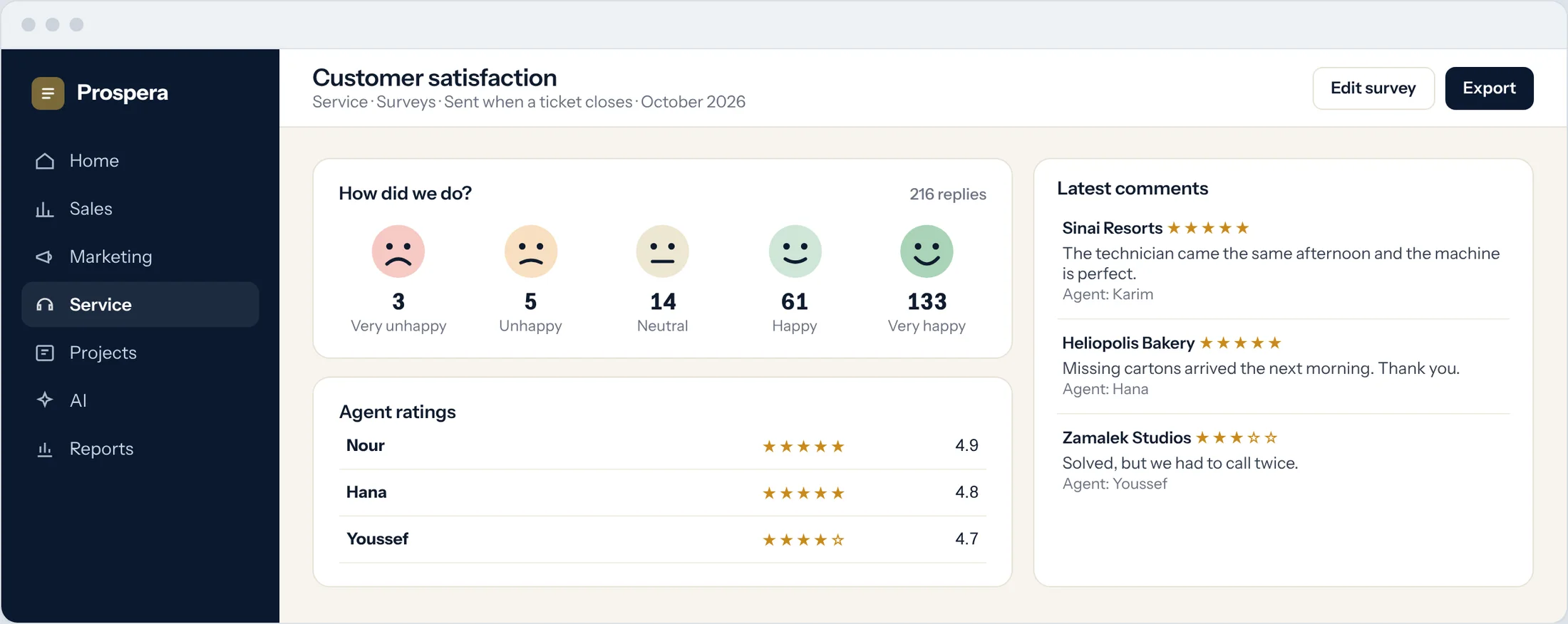
A short survey goes out when a ticket closes. Customers answer with one tap, and every agent gets a rating.
Emoji NPS
Five faces, one tap, a clear signal.
Agent ratings
See how customers rate each agent.
Comments that teach
Read what customers say in their own words.
Service that starts before the call.
Six details that help customers help themselves.
Website forms
A form on your website creates a ticket.
Live chat to ticket
A chat that needs follow-up becomes a ticket.
Email to ticket
Messages to your support address become tickets.
Approval workflow
Requests that need sign-off go through an approval step.
Deadlines that apply
Portal tickets follow the same service levels.
Reports
Volume, closing times and ratings by category.
Questions.
Can we start with a few articles?
Yes. Start with the questions you answer most, and add articles as your team writes them.
What can customers do in the portal?
Raise requests and follow each of their tickets and its status.
Who writes the articles?
Your team. We set up the categories with you and help you publish the first articles.
When is the survey sent?
When a ticket closes. Customers answer with one tap and can add a comment.
Let customers find the answer.
Book a demo and we will set up your help centre and portal with you.