
Time, well booked.
Shared calendars show who is free. Meetings link to the customer and the deal, and customers book a time online without the back and forth.

See the week before you plan it.
Each person's calendar can be shared with the team, so everyone sees who is free and who is with a customer.
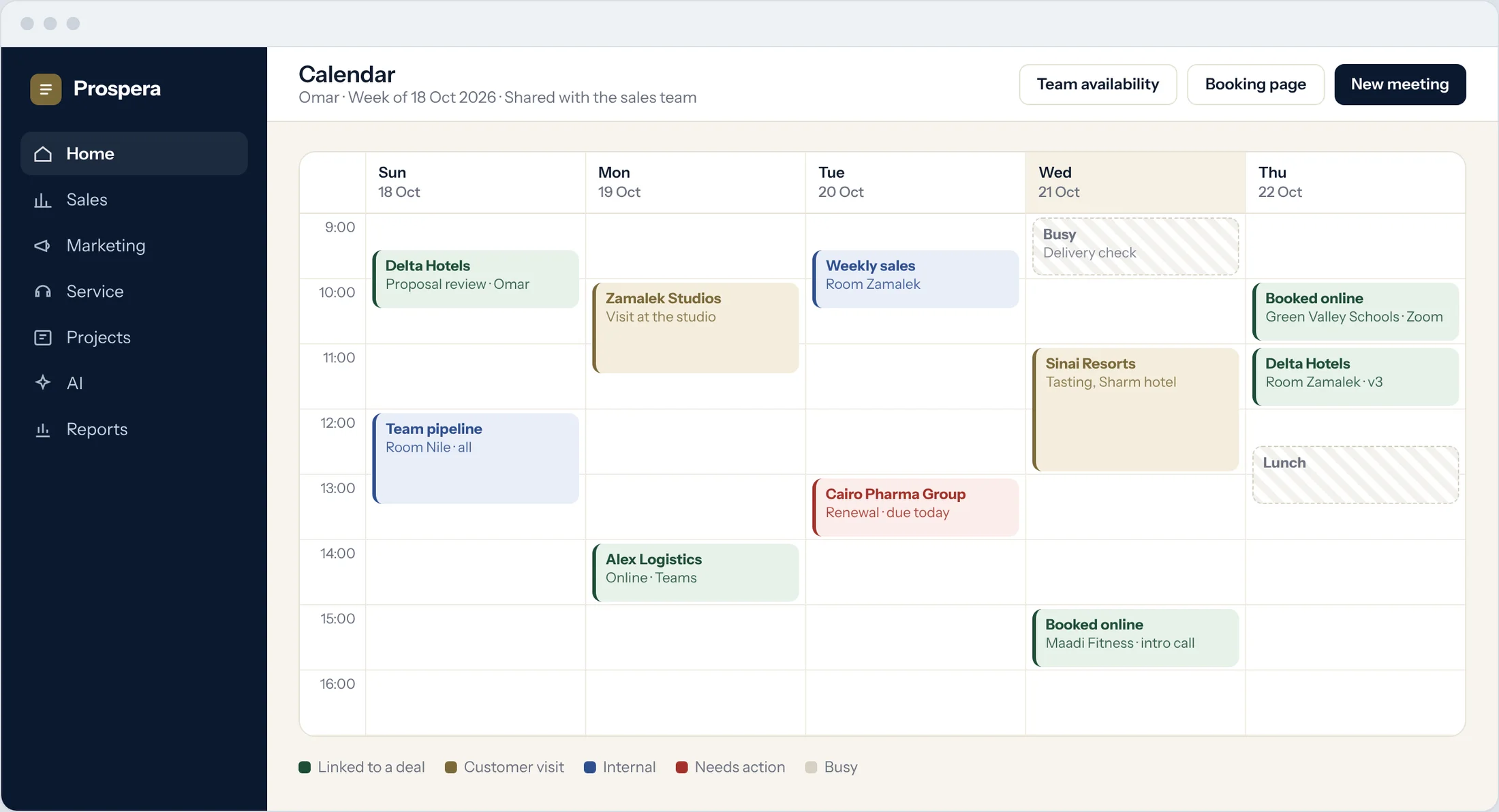
Team availability
Find a time that works for everyone.
Linked to the deal
Customer meetings sit on the opportunity.
Reminders
A reminder before every meeting.
Let customers pick the time.
Share a booking page. Customers see your free slots and book a meeting, and it lands in the right calendar.
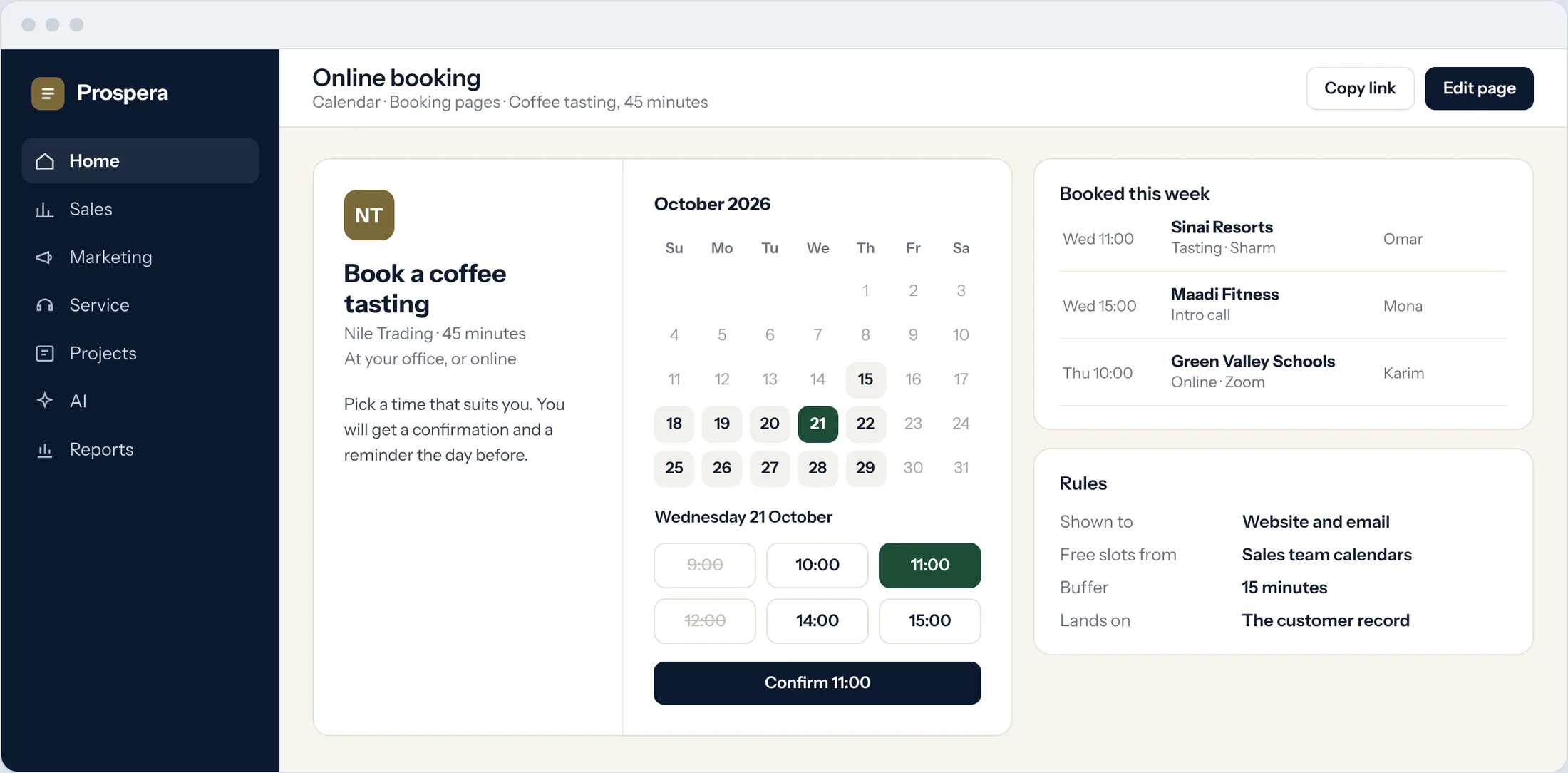
A booking page
Share the link on your website or in an email.
Real free time
Only open slots from your team's calendars are shown.
On the customer record
Each booking lands with the customer.
One meeting, everything attached.
Create the meeting from the deal, invite the customer, and book the room in the same step.
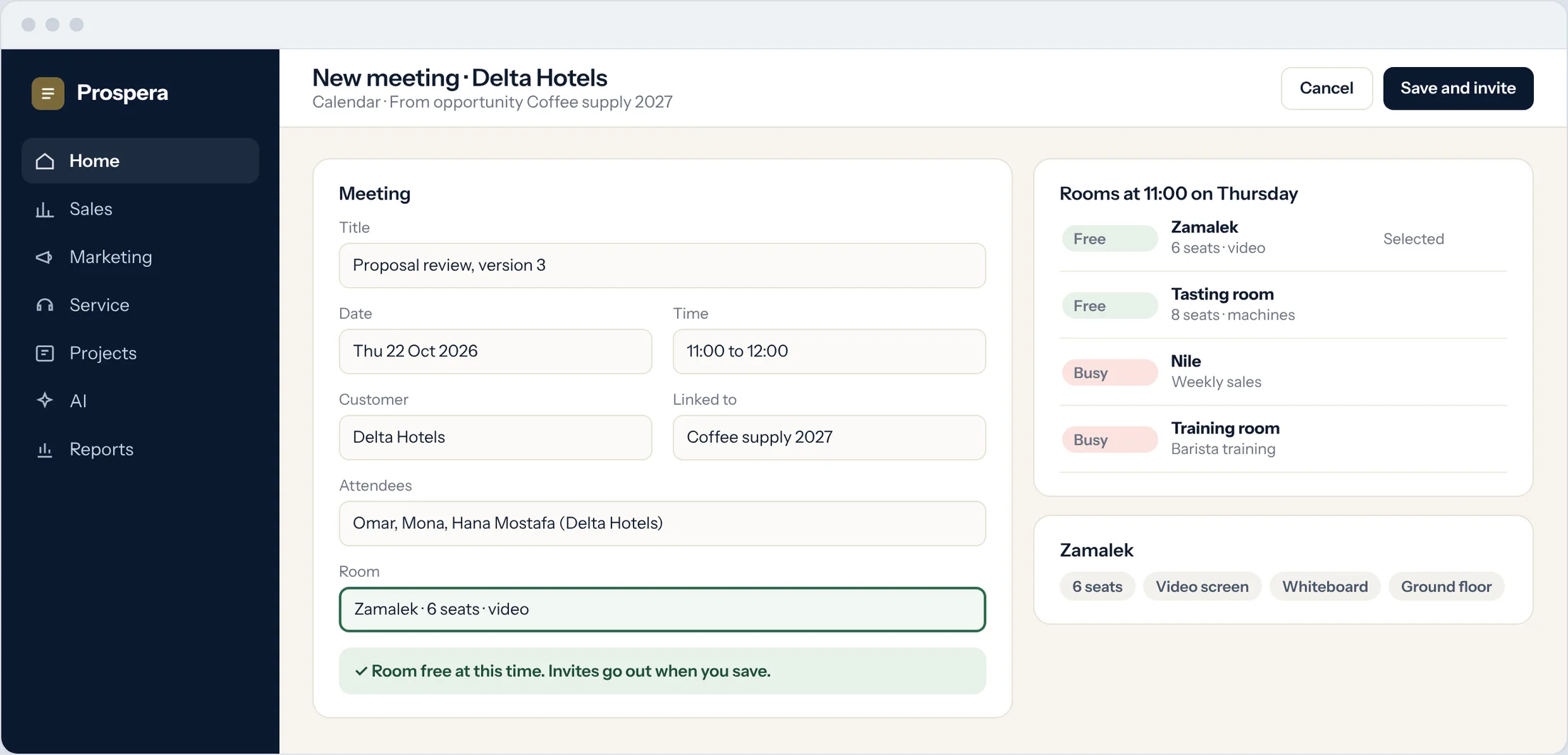
Room included
Pick a free meeting room as you plan.
Invites sent
Your team and the customer get the invite.
History kept
The meeting stays on the deal's timeline.
Planning made plain.
Six details that keep every week in order.
Smart scheduling
Find a time from everyone's free slots.
Teams and Zoom
Online meetings carry their link.
Meeting-driven sales
Every meeting moves the deal forward.
Shared calendars
One calendar for the team, one for each person.
On your phone
Your day in the CloudOffix app for iPhone.
Meeting rooms
Book a free room with the meeting.
Questions.
Can customers book a meeting online?
Yes. Share a booking page and customers pick a free slot. The meeting lands in the right calendar and on the customer record.
Do meetings link to deals?
Yes. Meetings are linked to the opportunity and the customer, so they stay on the timeline.
Can we book a room with the meeting?
Yes. Pick a free meeting room as you create the meeting.
Does it work with Teams and Zoom?
Yes. Online meetings can carry a Teams or Zoom link.
Plan the week in one place.
Book a demo and we will set up your calendars and booking pages with you.