
The books behind the business.
Prospera Books is the back office of Prospera ERP Suite: accounting, invoicing, purchasing, stock, point of sale and payroll, on the same customer record as your front office.

Everything in the back office.
Seven applications on the same books. Open any of them to see how it works.
Sold in front. Booked behind.
When a customer accepts a quote in Sales Cloud, the order passes to Prospera Books, which reserves the stock, raises the invoice and sends the payment status back. We connect the two for you during setup.
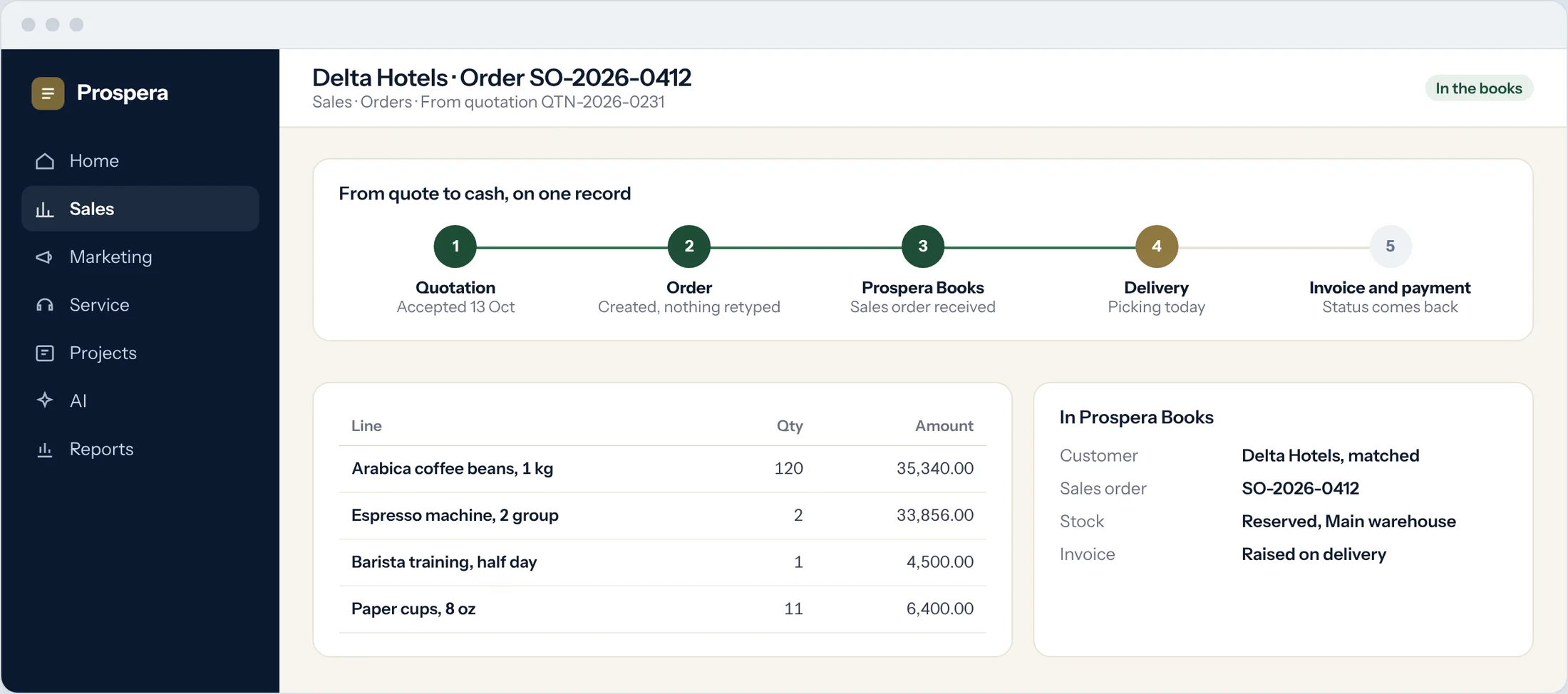
Nothing retyped
Customers, products and orders pass across as they are.
One customer, matched
The same customer in sales and in the books.
Every transaction posted once
Invoices and payments live in the books only.
Books that close on time.
Journals that post themselves, tax on every line, and statements ready the moment entries post.
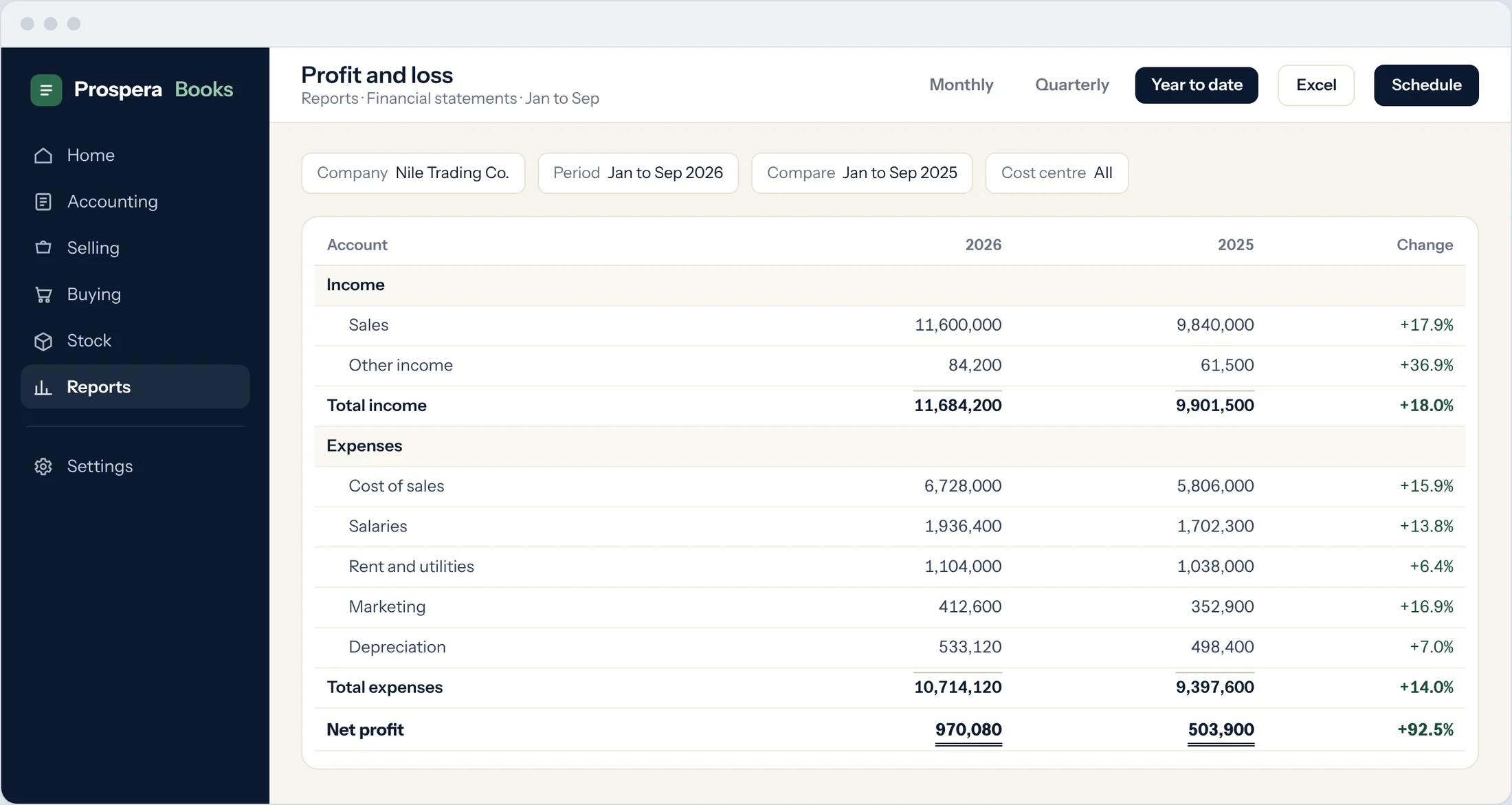
Chart of accounts
Ready on day one, shaped around how you report.
Statements on demand
Profit and loss, balance sheet and cash flow, any period.
Closed means closed
Lock a month once it is reported.
Stock you can count on.
Warehouses, batches and expiry dates, counted with a phone and posted to the books in one step.
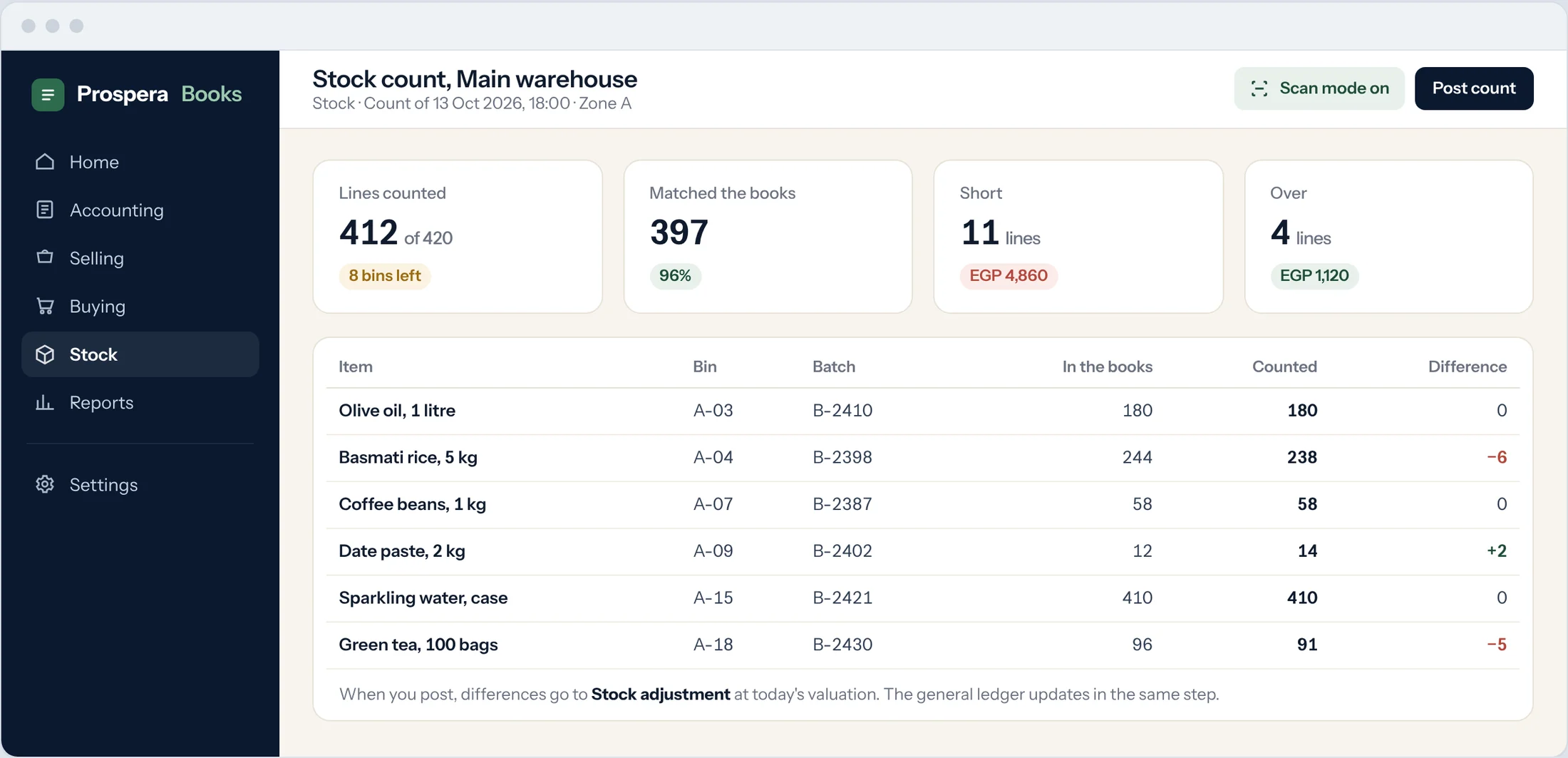
Count with a phone
Scan as you count and see differences as you go.
Batches and expiry
Know what expires first and sell it first.
Reorder on time
Items below their level raise a purchase request.
Payroll on the same books.
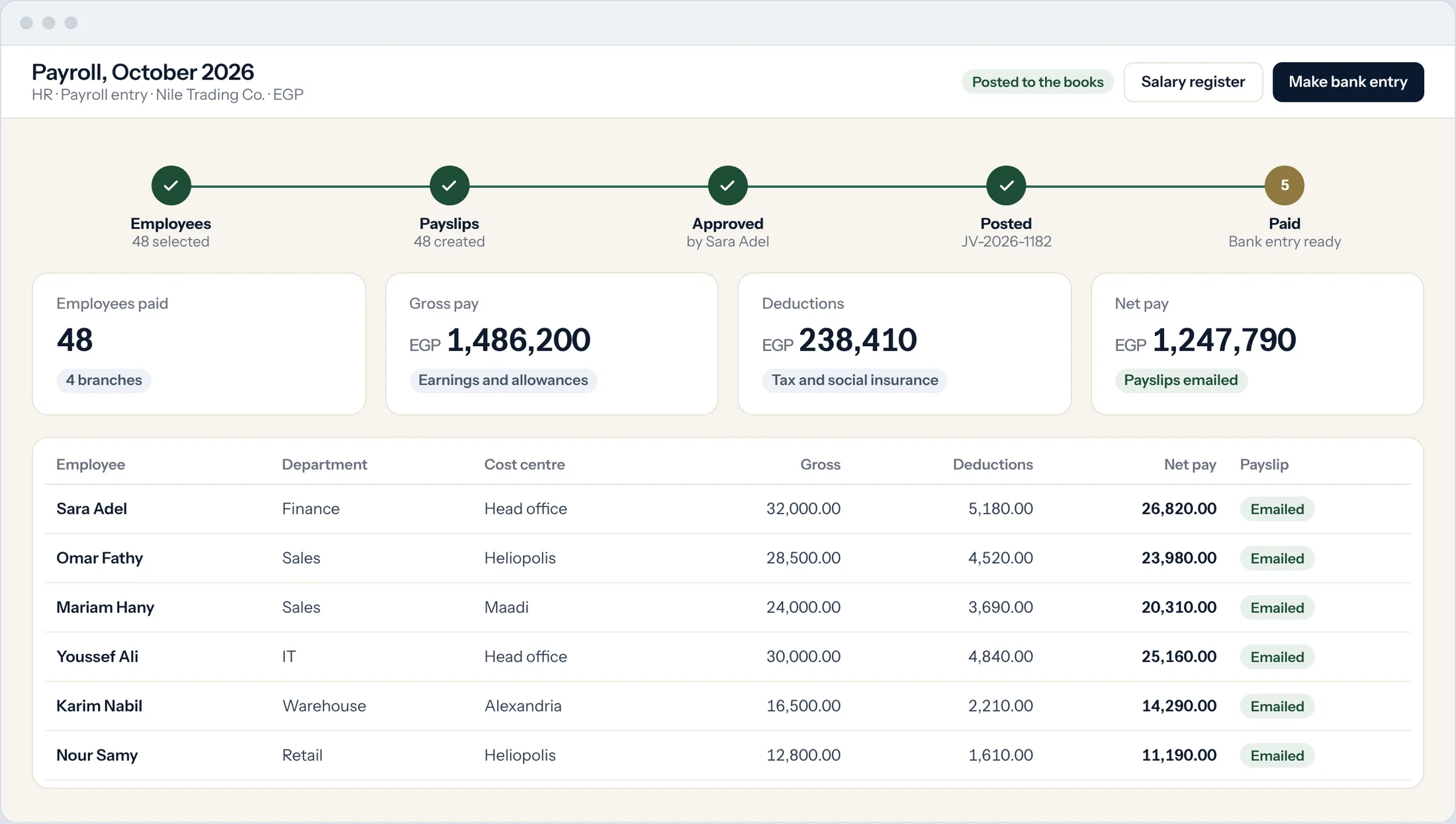
Attendance, leave and expense claims flow into the payroll run, and the total posts to the books.
Employee records
Contracts, documents and salary structures in one place.
Attendance and leave
Check-ins and approved leave feed every payslip.
Posted to the books
Each payroll run lands in the ledger by cost centre.
Controls your auditor expects.
Six reasons finance teams trust the back office.
Period locking
Freeze accounts or whole months once they are closed.
Permissions by role
People see and change only what their role allows.
Multi-currency
Invoices, bills and reports in any currency.
Cost centres
Profit and loss by branch, project or department.
Cheques
Print, track and clear every cheque.
Fixed assets
A register with depreciation that posts itself.
Questions.
Is this the same Prospera Books?
Yes. Prospera ERP Suite includes Prospera Books Premium for everyone in the company, connected to the front office.
Where are invoices and payments handled?
In Prospera Books, so every transaction is posted once and finance has one set of books.
Do you handle e-invoicing?
Yes. Egypt e-invoicing and e-receipts, UAE VAT returns, and tax templates for any country.
Can we bring our opening balances?
Yes. We load your chart of accounts and opening balances during setup.
Run the books behind the whole company.
Book a demo and we will map your back office with you.