
Send the invoice. Get paid sooner.
Quotes that become invoices in one click. Prices, taxes and credit limits applied for you. And every invoice ETA-compliant the moment you submit it.In any currency.
Every invoice, and where it stands.
See what you billed, what is paid, and what is late, by customer, salesperson or branch.

One list for everything
Invoices, credit notes and payments with their status, from draft to paid.
By salesperson and branch
Filter any view by who sold it and where, and set numbering per branch.
Import from Excel
Bring in old invoices, customers and items in bulk when you move over.
Quote it. Win it. Invoice it.
Build a detailed quotation, send it, and turn it into an invoice in one click when the customer says yes.

Valid until a date
Each quotation carries an expiry date and is marked expired automatically.
Discounts, taxes, shipping, deposits
Line or total discounts, several taxes, charges and terms on the same document.
One click to invoice
Accepted quotes become an order or an invoice without retyping a line.

Invoice from the site. Or the shop. Or home.
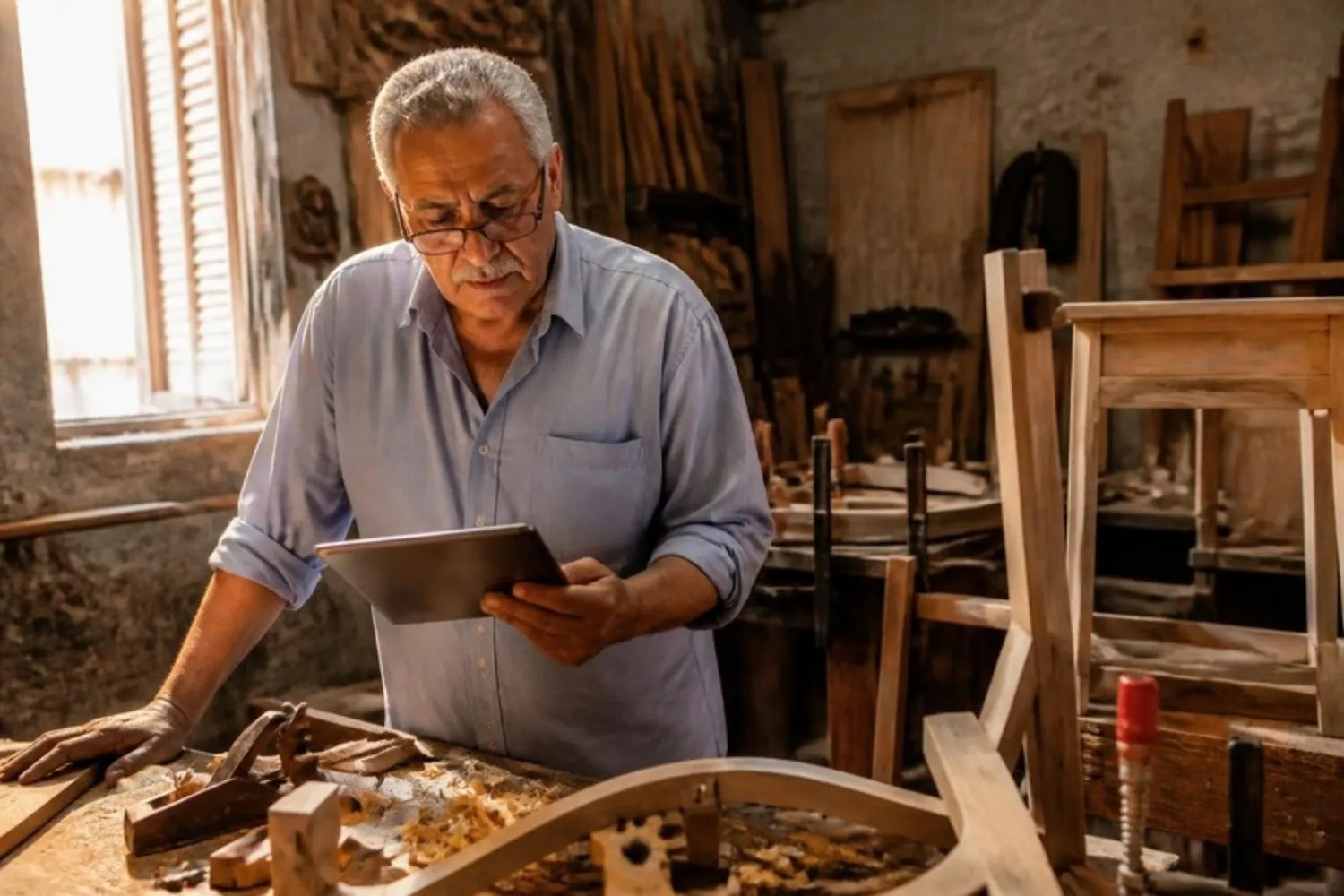
Prospera Books runs in any browser, on a computer, tablet or phone, so the invoice goes out when the work is done, not when you get back to the office.
Invoices that look like your company.
Your logo, letterhead and layout on every invoice, with the e-invoice QR code and Tax Authority reference printed on it..

Designed your way
Edit print layouts with a drag-and-drop designer, or start from ours.
Email in one click
Send the PDF straight from the invoice, with a copy kept on the record.
ETA-compliantE-invoicing in Egypt
Signed, sent and accepted by the Egyptian Tax Authority, with the reference on the page.
Bill on schedule. Remind on time.
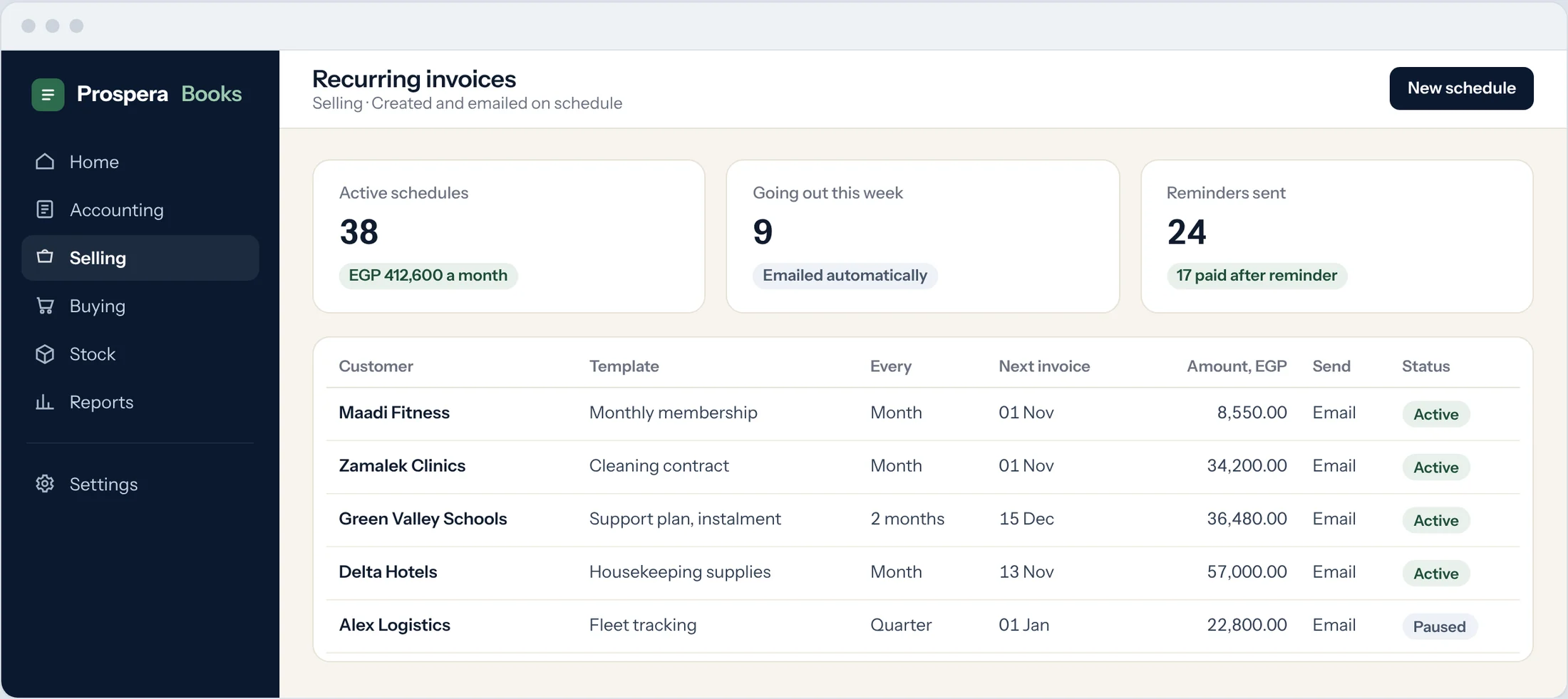
Recurring invoices
Daily to yearly schedules that create the invoice and email it for you.
Instalments
Split any invoice into a payment schedule with its own due dates.
Reminders and statements
Reminder letters with fees or interest if you choose, and statements by email.
Paid in full, and on time.
Six controls that keep prices right, credit in check and every invoice accounted for.
Customers serve themselves
Customers see their quotations, orders and invoices online, without calling your accountant.
Credit that cannot run away
New orders stop when a customer goes over the limit you set.
The right price, every time
Retail, wholesale or customer-specific prices are picked automatically, so no one quotes from memory.
Corrections with a paper trail
Returns and corrections are linked to the original invoice, so totals always reconcile.
Know who makes you money
Sales and gross profit by customer, item, salesperson and period.
Bill what you delivered
Sales orders and delivery notes, with partial billing when an order ships in parts.
Questions.
Can I create quotations and turn them into invoices?
Yes. Build a quotation, email it, and convert it into an order or an invoice in one click when it is accepted.
Does it issue e-invoices to the Egyptian Tax Authority?
Yes. Prospera Books is fully integrated with the Egyptian Tax Authority e-invoice system. Each invoice is signed and sent as you submit it, and the status shows on the invoice.
Can I set up recurring invoices?
Yes. Choose how often, and Prospera Books creates the invoice and emails it on schedule.
Can customers pay in instalments?
Yes. Split any invoice into a payment schedule. Each instalment has its own due date and reminder.
Can I import my invoices from Excel?
Yes. Customers, items and past invoices can be imported in bulk when you move over.
Can each branch have its own invoice numbering?
Yes. Set a numbering series per branch or per document type.
Is it in the cloud or installed?
In the cloud. Use it in any browser, on a computer, tablet or phone. Backups run automatically every day.
Bill today. Get paid this week.
Book a demo and we will set up your first invoice template with you.