
One place to talk and plan.
Productivity Cloud is the base of every account. One inbox for every channel, shared calendars with online booking, meeting rooms and call logging, all on the customer record.

Everything in Productivity Cloud.
Four applications on one customer record. Open any of them to see how it works.
Every conversation, in one inbox.
Email, live chat and social messages arrive in one shared inbox, with the customer's deals and history beside each conversation.
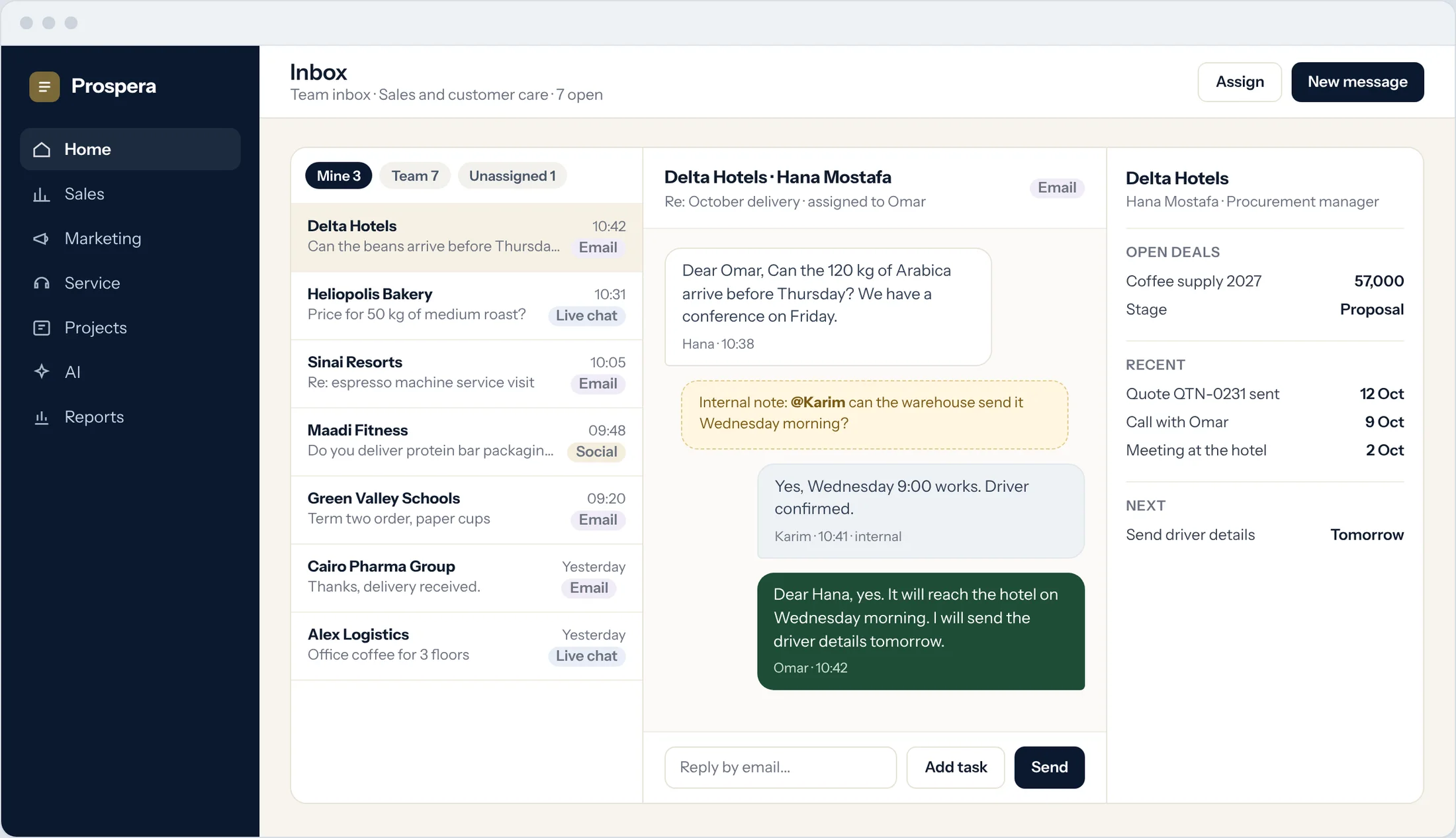
Every channel
Messages from each channel land in the same place.
Assigned and shared
Each conversation has an owner, and the team can step in.
The customer beside it
Open deals, recent activity and next steps, without leaving the reply.
A calendar the whole team can read.
Shared calendars show who is free. Meetings link to the customer and the deal, and customers book a time online.
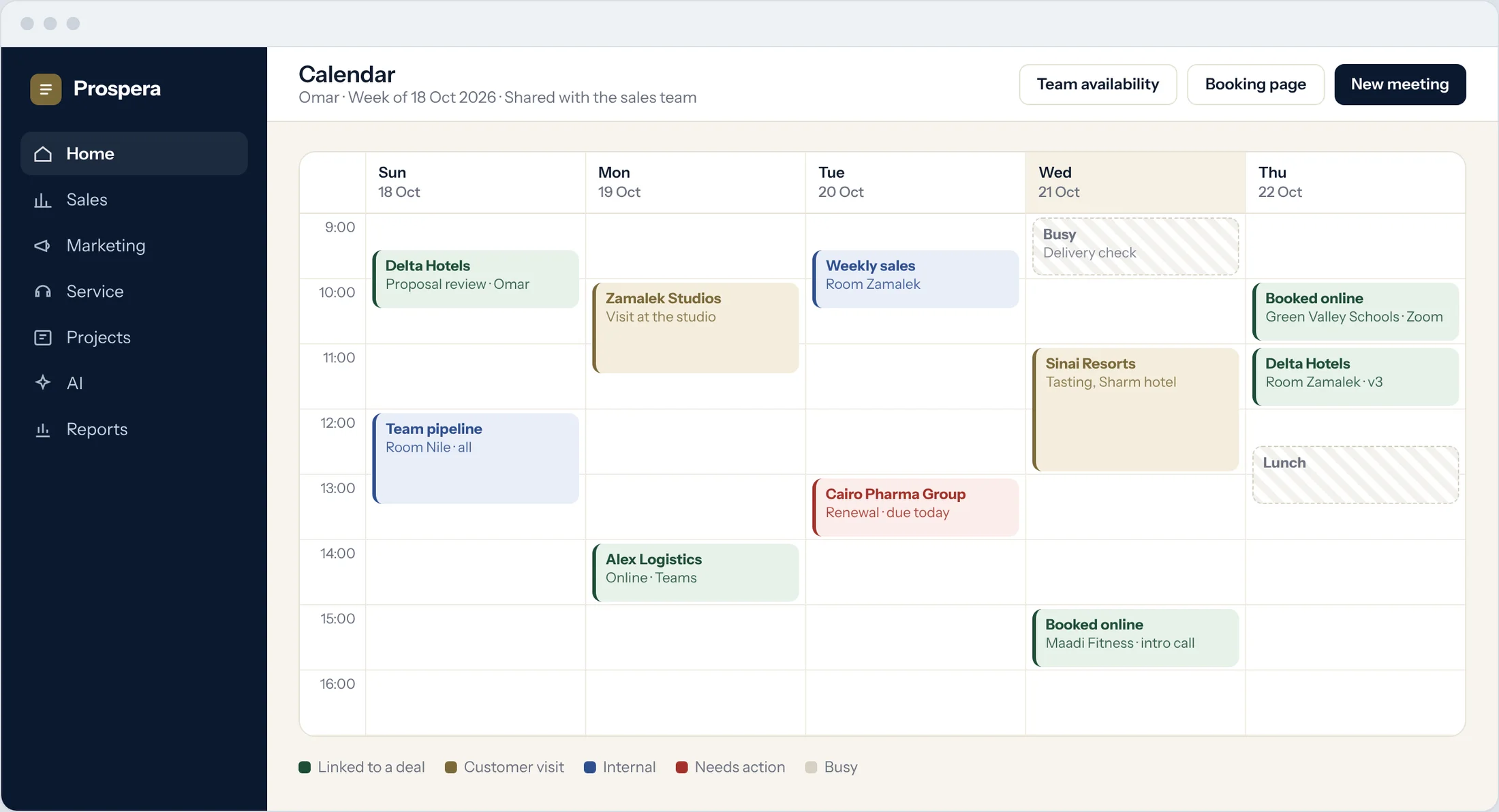
Shared availability
See the team's free time before you suggest a slot.
Linked to the deal
Each meeting sits on the opportunity it belongs to.
Online booking
Customers pick a free time from a booking page.
The right room, without asking around.
See every room for the day, what is free now, and book the room with the meeting.
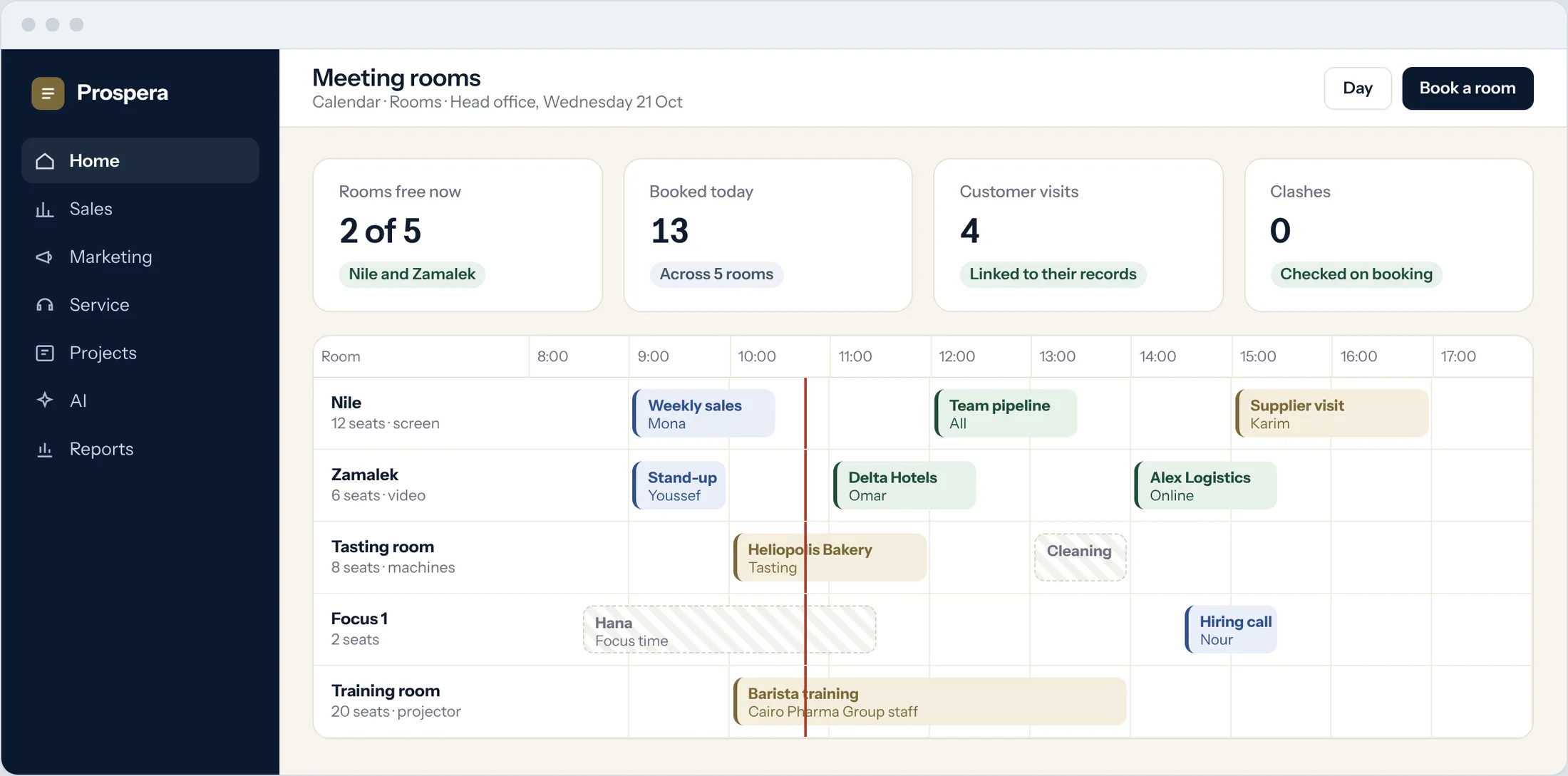
Every room, one view
Rooms and bookings for the whole day.
Free right now
Find an open room in seconds.
Booked with the meeting
The room goes on the invite.
Know who is calling.
Incoming calls open with the contact's record, and every call is logged with its outcome and next step.
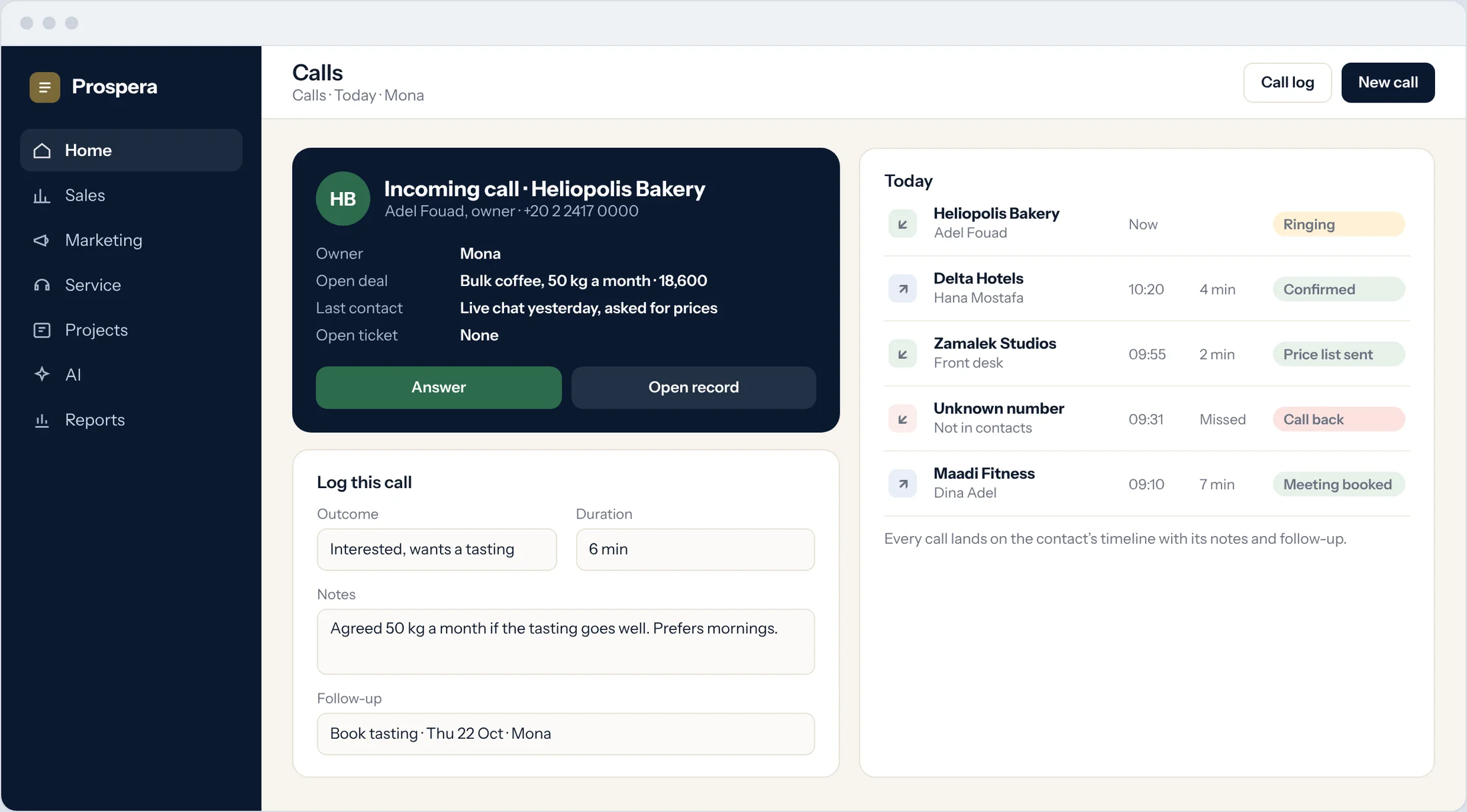
Incoming calls
See the caller, their deals and their last contact.
Every call logged
Outcome and notes land on the contact's timeline.
Follow-ups set
The next step is a task with a date and an owner.
Built for teams that work together.
Six more reasons teams start with Productivity Cloud.
360 contact view
Messages, meetings, calls and deals on one record.
Discussion on every record
Talk about the deal on the deal, with mentions and files.
From talk to action
Turn a message or a discussion into a task.
AI in conversations
Prospera Intelligence works inside conversations, within each person's permissions.
On your phone
Use the CloudOffix app for iPhone, or any phone browser.
Permissions by role
Each person sees what their role allows.
Questions.
Who gets Productivity Cloud?
Everyone. Productivity Cloud is the base of every account, so inbox, calendar, rooms and calls are there from the first day.
Which channels come into the inbox?
Email, live chat and social messages. We connect your channels during setup.
Can customers book a meeting themselves?
Yes. Share a booking page and customers pick a time from your team's free slots.
Does it work on a phone?
Yes. Use the CloudOffix app for iPhone, or any phone browser.
Talk and plan in one place.
Book a demo and we will set up your inbox, calendars and rooms with you.