
One inbox. Every conversation.
Email, live chat and social messages arrive in one shared inbox. Each conversation has an owner, and the customer's deals and history sit beside the reply.

One list, every channel.
Conversations from each channel land in the same inbox, sorted into yours, your team's and unassigned.
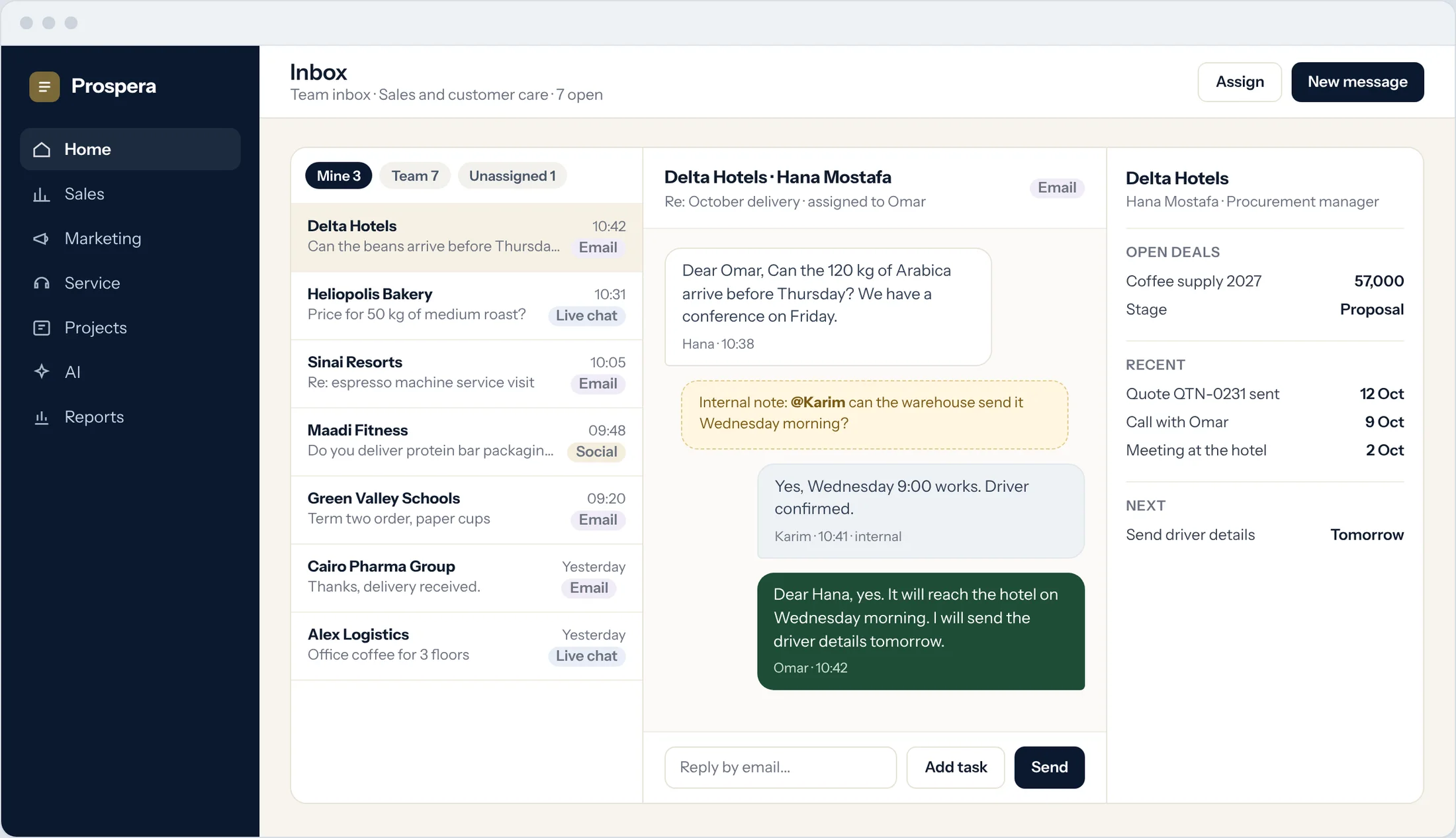
Multi-channel
Email, live chat and social messages side by side.
Clear ownership
Assign a conversation, or hand it to a colleague.
Internal notes
Ask a colleague inside the conversation. The customer never sees it.
Talk about the deal, on the deal.
Every opportunity, ticket and project has its own discussion. Mention a colleague, attach the file, and turn what was agreed into tasks.
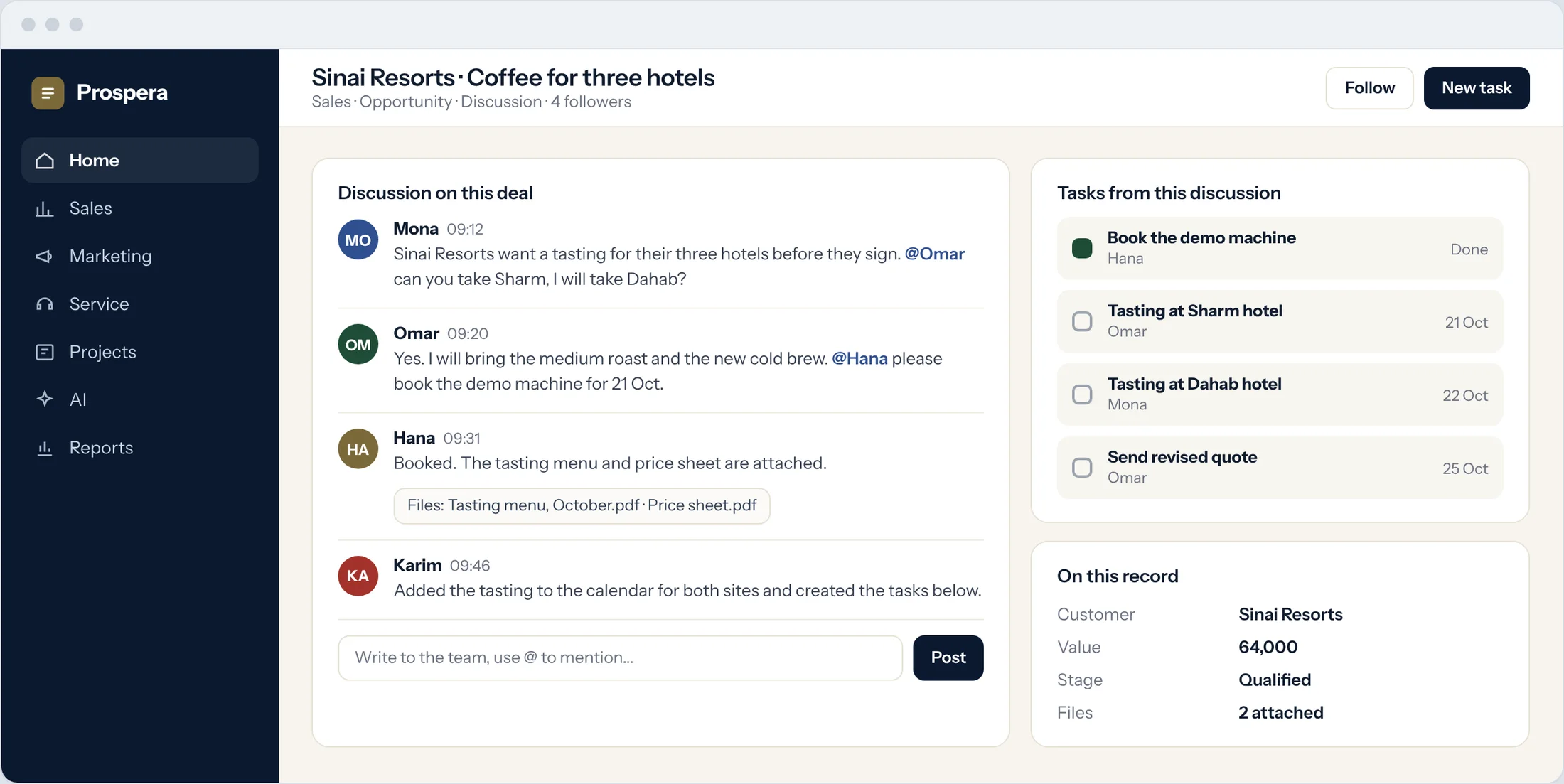
Mentions
Bring the right person in with @.
Files in place
Price sheets and menus stay with the conversation.
Tasks from talk
What was agreed becomes a task with an owner and a date.
The whole story, in one place.
Every email, call, meeting and quote lands on the contact's timeline, so anyone can pick up the conversation.
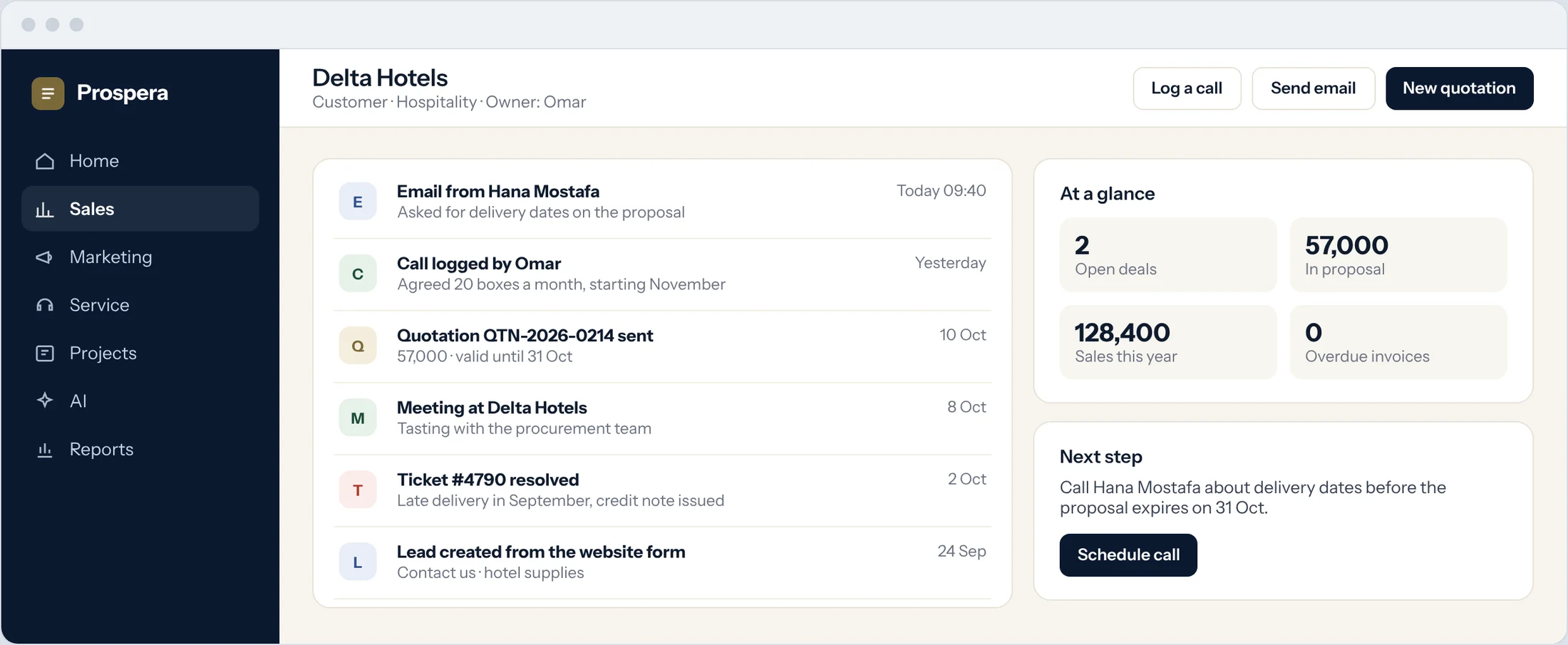
One record
Contact, company, deals and activity together.
In order
What happened, and when, on one timeline.
Nothing lost
A new owner sees everything the last one did.
Small things that save the day.
Six details that keep every conversation moving.
Shared team inboxes
Sales and customer care each work their own queue.
Followers
Managers follow a record and see every update.
Linked to the deal
Conversations sit on the opportunity they belong to.
AI in conversations
Prospera Intelligence works inside conversations, within each person's permissions.
On your phone
Reply from the CloudOffix app for iPhone, or any phone browser.
Permissions by role
Each person sees the conversations their role allows.
Questions.
Which channels can we connect?
Email, live chat and social messages. We connect your channels during setup.
Can customers see internal notes?
No. Internal notes and mentions stay inside your team.
Can a message become a task?
Yes. Turn a message or a discussion into a task with an owner and a due date.
Do conversations stay with the customer?
Yes. Every conversation lands on the contact's timeline, next to their deals and meetings.
Answer every customer from one place.
Book a demo and we will connect your channels with you.