
A website that brings in leads.
Build pages, forms and blog posts with drag and drop. Every form creates a lead, and the visitor tracker shows who is reading what.

Drag, drop, publish.
Build landing pages and blog pages from blocks, add an HTML form, and choose what happens when someone sends it.
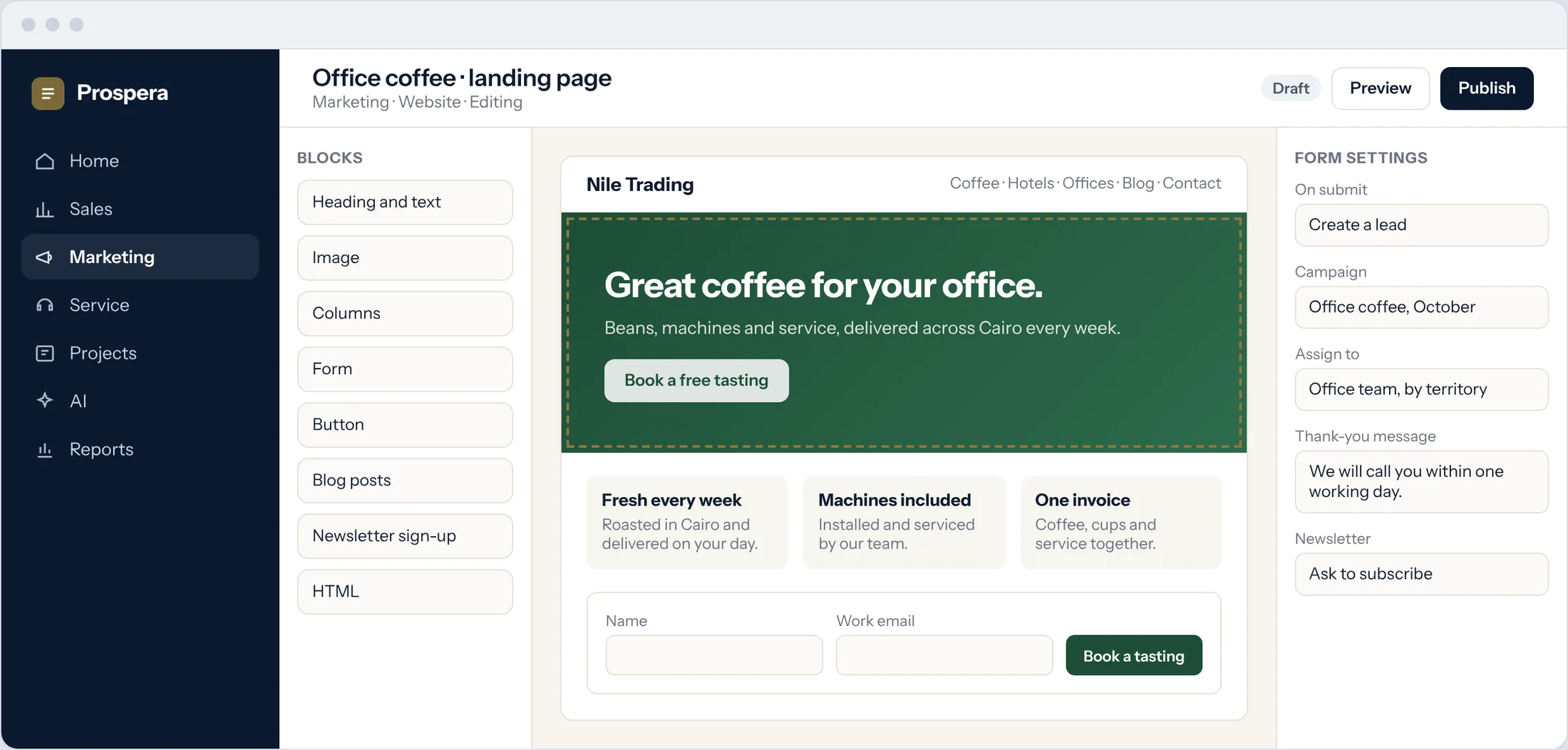
Drag-and-drop blocks
Text, images, columns, buttons and blog posts.
Forms that create leads
Each submission becomes a lead with its campaign.
Newsletter sign-up
Visitors subscribe from any page.
Search, analytics and links.
Set the title and description for each page, connect Google Analytics, and track the links you share in emails, texts and posts.
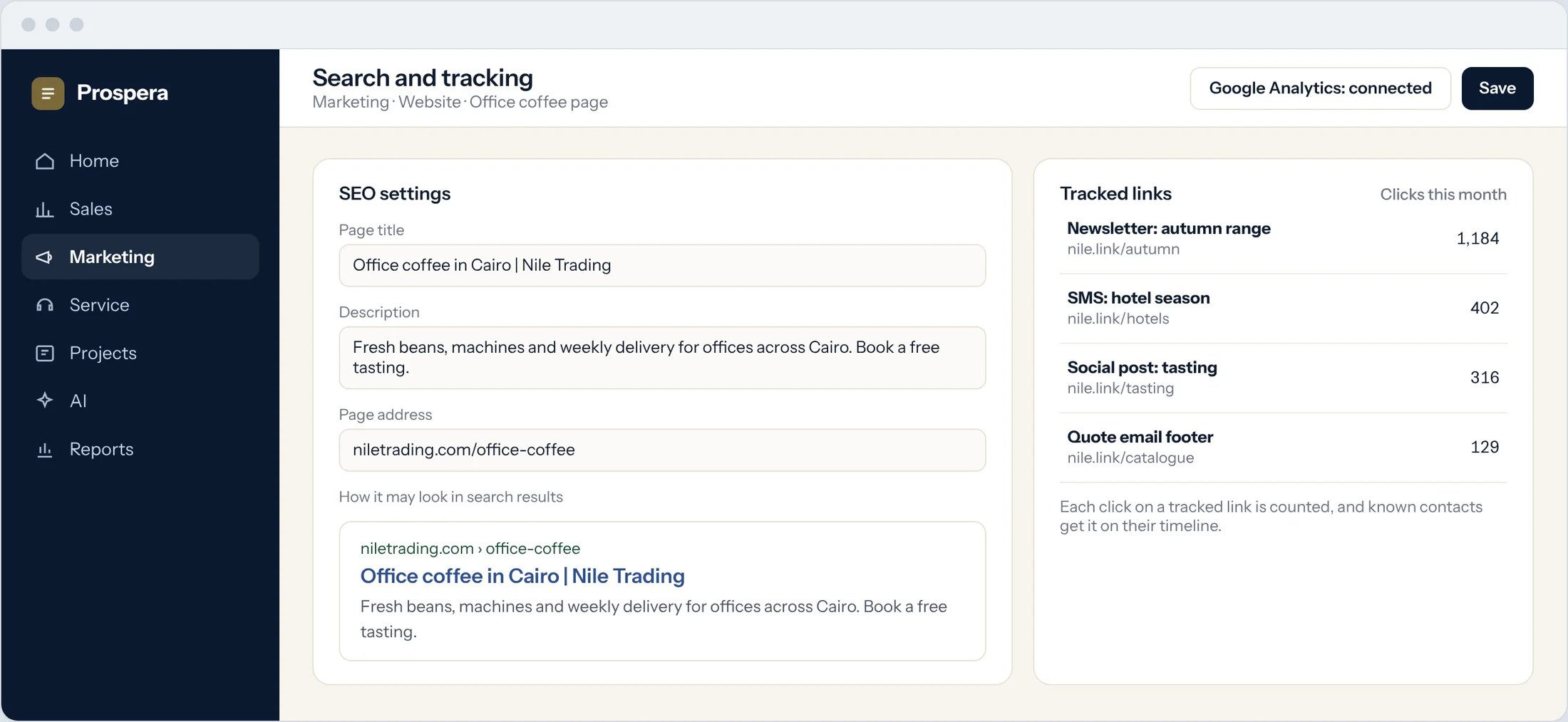
SEO settings
Title, description and address for every page.
Google Analytics
Connect your account and keep your reports.
Link tracker
Count the clicks on every link you share.
See who is reading.
The visitor tracker shows who visits, where they came from and what they read. Known contacts are scored, and owners get an alert.
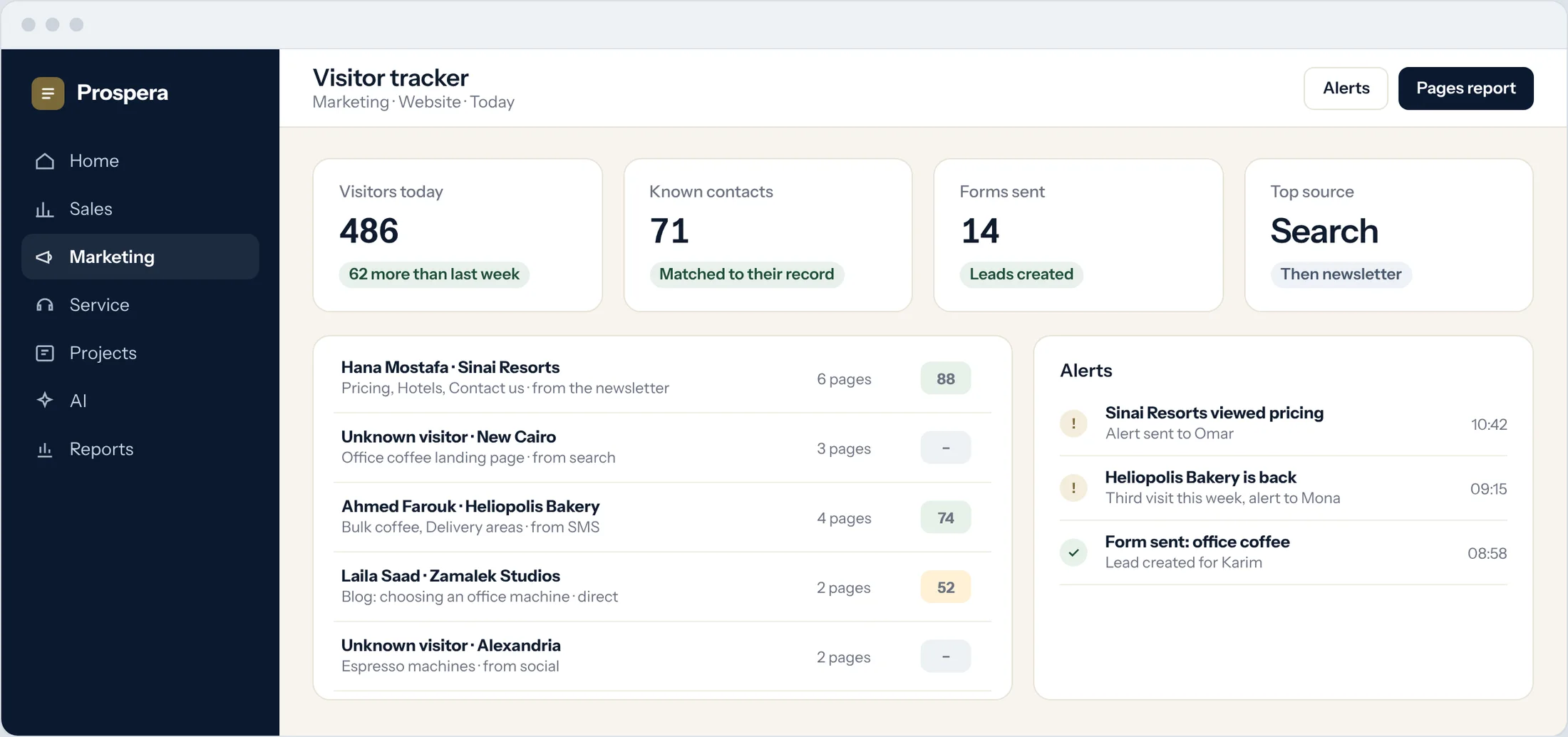
Who and where from
Visitors with their source and pages.
Scored by behaviour
Visits and pages raise the contact's score.
Alerts
The owner hears when a hot contact is back.
Your site, part of the system.
Six details that connect every page to the pipeline.
Blog pages
Publish articles from the same editor.
Live chat
Add the chat window to any page.
Shared contacts
Form submissions land on the customer record.
Automation
New leads start the right follow-up.
Event pages
Registration forms for your events.
Campaign return
Leads from each page in the ROI report.
Questions.
Do we need a developer?
No. Pages are built with drag and drop. If you want custom code, there is an HTML block.
What happens when someone sends a form?
A lead is created with its campaign, assigned to an owner, and can start an automation.
Can we keep Google Analytics?
Yes. Connect your Google Analytics account in the SEO settings.
Can we see who visited?
Yes. The visitor tracker shows visits, sources and pages, and matches known visitors to their contact.
Turn visits into leads.
Book a demo and we will build your first landing page with you.