
Add a fixed asset
Register an asset and its depreciation schedule.
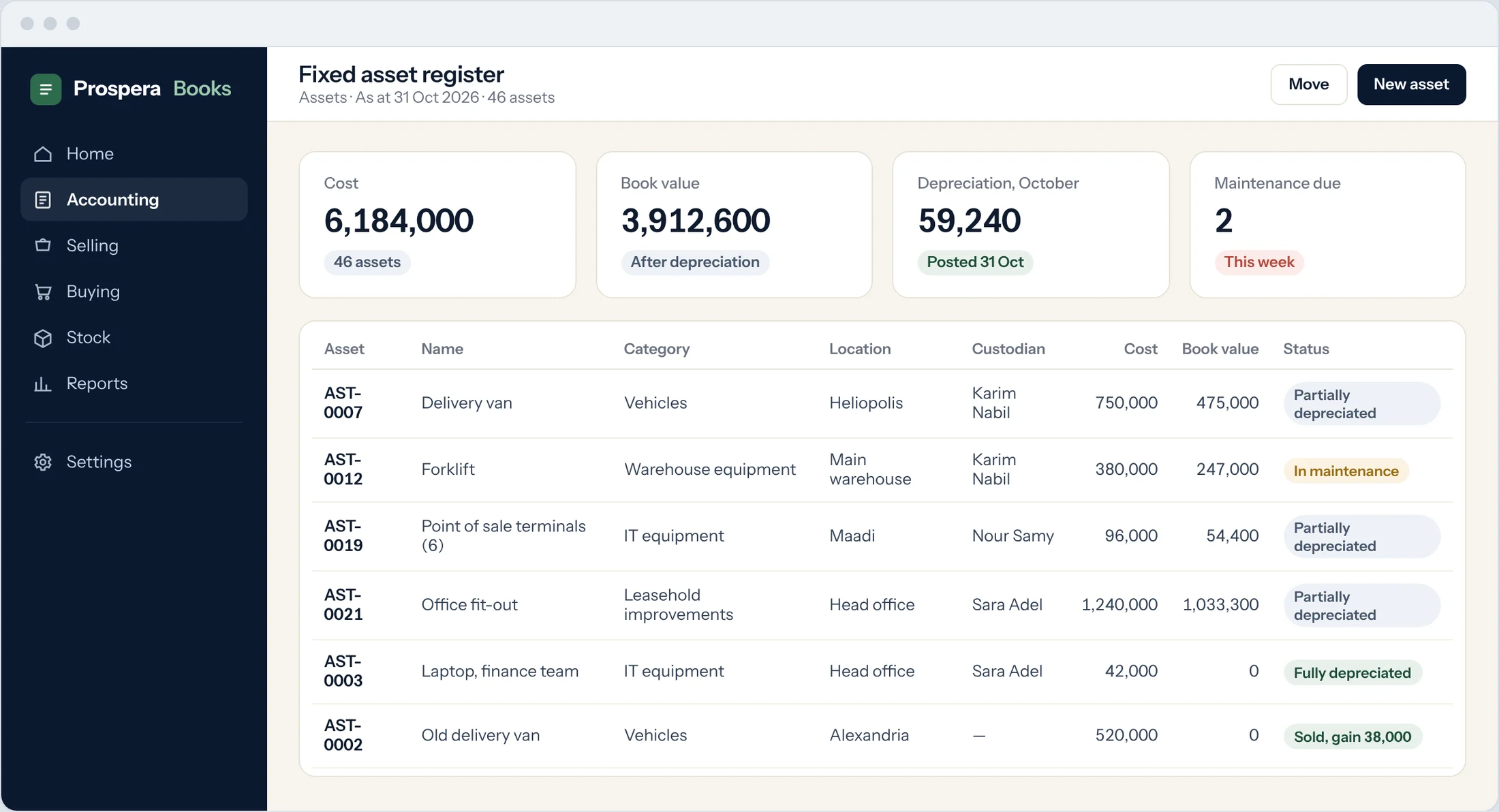
A fixed asset record holds where the asset is, who looks after it and how it depreciates. Prospera Books builds the schedule and posts each depreciation entry on its date.
Set up the item
Create an item with Is Fixed Asset ticked and an Asset Category. Tick Auto create assets on purchase to create the asset from the purchase receipt.
Open the asset
After the purchase, open the asset created for you, or search Asset and add one for an asset you already own.
Fill in the details
Check Location, Purchase Date, Available for Use Date, Cost Center, Custodian and Department.
Set depreciation
Tick Calculate Depreciation. Choose the Depreciation Method (Straight Line, Double Declining Balance, Written Down Value or Manual), the Frequency of Depreciation (Months) and the Total Number of Depreciations.
Existing assets
For an asset you already own, enter the Opening Accumulated Depreciation and the Opening Number of Booked Depreciations.
Submit
Select Save, then Submit. The schedule appears on the asset, and entries post on their dates.
Good to know
- Record insurance on the asset: insurer, policy number, insured value and dates.