
Help centre › Accounting
Use cost centres
See profit by branch, department or project.
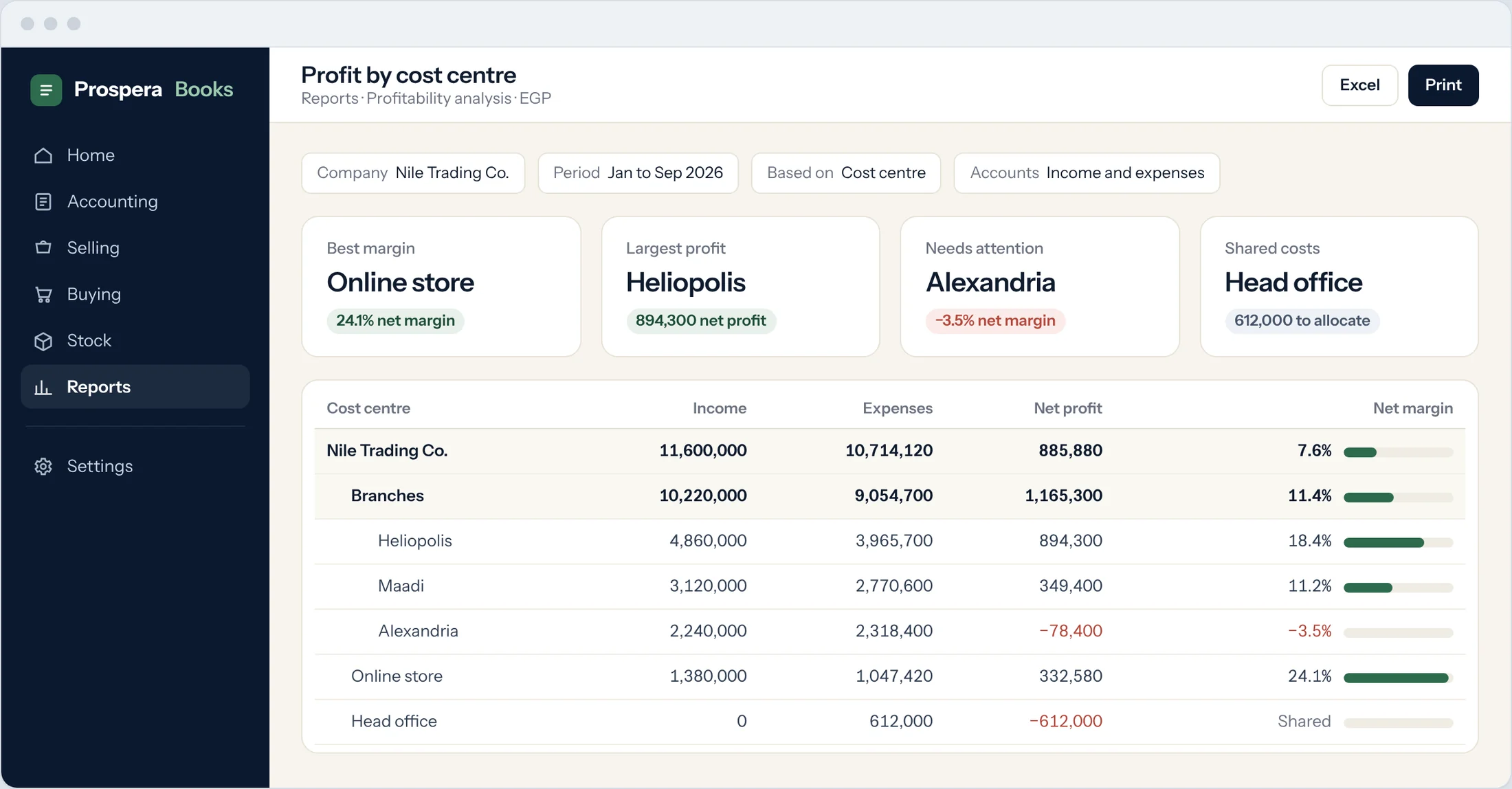
A cost centre tags income and expenses to a part of your business, such as a branch. Reports can then show profit and loss for each one.
Open the tree
Type Chart of Cost Centers in the search bar at the top of any screen and press Enter. Choose your company.
Add a cost centre
Select the parent and choose Add Child. Enter the Cost Center Name. Tick Is Group only for a cost centre that will hold others, such as a region.
Set defaults on items
On each item, set a default buying and selling cost centre so invoices and bills are tagged automatically.
Tag documents
Every invoice, bill and journal entry line has a Cost Center field. Income and expense lines need one before they post.
Report by cost centre
Open the Profit and Loss Statement and filter by Cost Center.
Good to know
- To split a shared cost, such as head-office rent, by percentage, use a Cost Center Allocation.
Still need help?WhatsApp and email answered 24/7. Live support Sunday to Thursday, 8 am to 6 pm.
Book a training session