
Reconcile your bank
Match bank statement lines to your payments.
Reconciliation proves that your books agree with your bank. Import the bank statement, then match each line to a payment or journal entry.
Import the statement
Type Bank Statement Import in the search bar at the top of any screen and press Enter. Choose the bank account and upload the statement file from your bank. Each line becomes a bank transaction.
Open the reconciliation tool
Type Bank Reconciliation Tool in the search bar at the top of any screen and press Enter. Choose the Company, Bank Account and the From Date and To Date of the statement.
Check the balances
Enter the closing balance from your bank statement. The tool shows the difference you need to explain.
Match each line
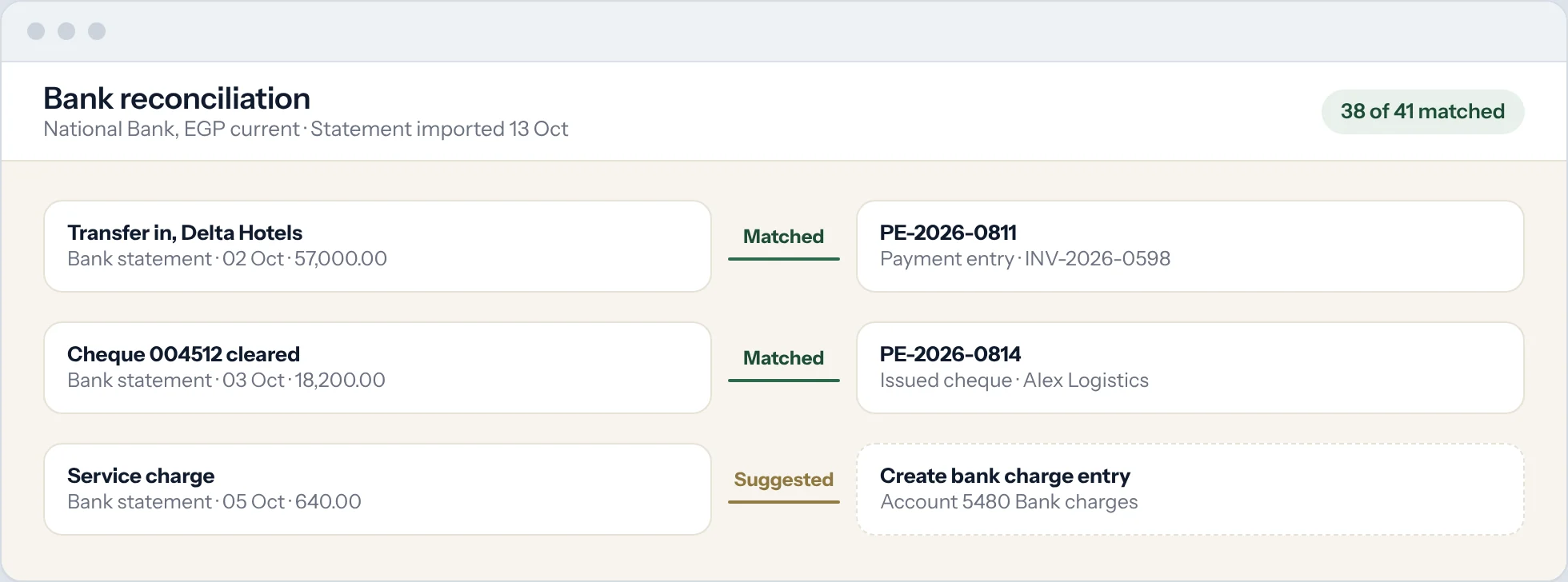
For each bank transaction, Prospera Books suggests matching payments by amount and reference. Select the match and reconcile.
Create what is missing
For bank charges or interest with no entry yet, create the payment or journal entry directly from the tool.
Finish
When the difference is zero, the bank is reconciled for that period.
Good to know
- Matching rules can reconcile routine lines, such as monthly bank charges, for you.