
Record and clear cheques
Cheque numbers, dates and clearance.
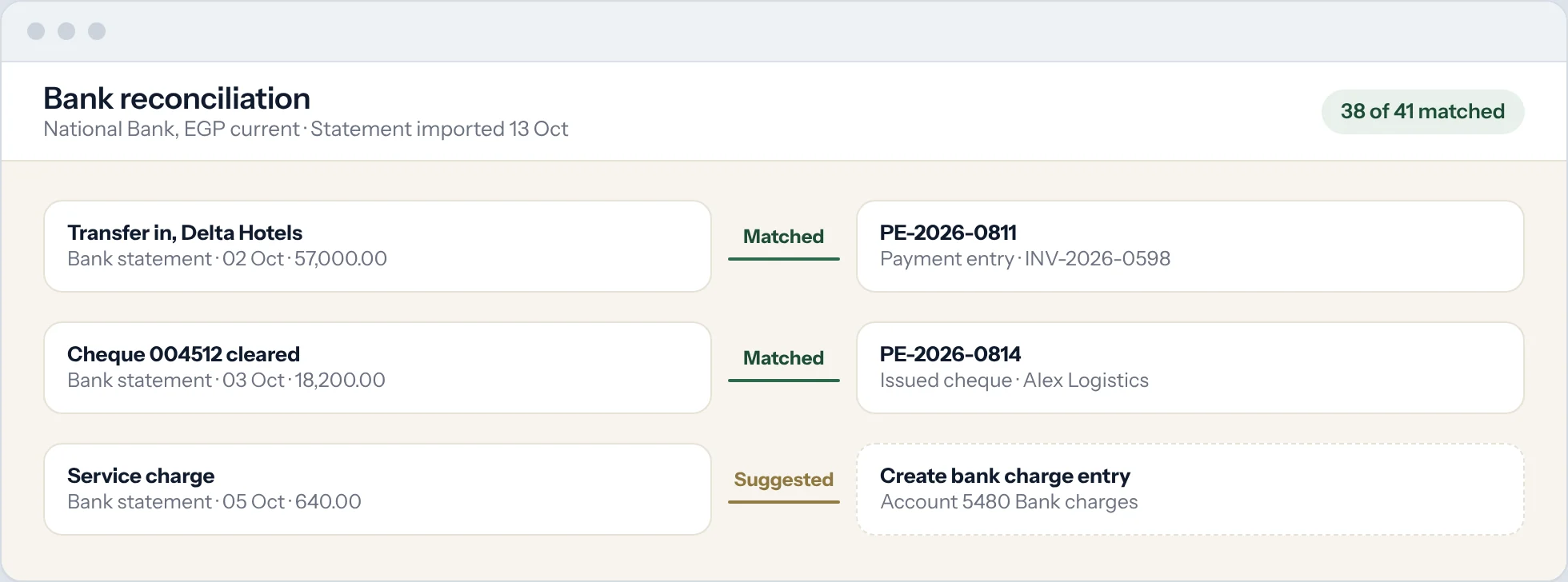
Cheques are recorded as payments with the cheque number and date. When the bank clears a cheque, you record the clearance date, so your book balance matches the bank.
Record the cheque
Create a payment entry with the Mode of Payment set to cheque. Enter the cheque number as the reference number and the cheque date as the reference date.
Post-dated cheques
Post cheques with a future date to their own holding account. On the due date, transfer them to the bank account.
Print a cheque
Set up a cheque print layout for your bank once (search Cheque Print Template), then print cheques from the payment entry.
Clear the cheque
When the cheque appears on your bank statement, match it in the bank reconciliation. The clearance date is recorded on the payment.
If a cheque bounces
Cancel the payment entry. The invoice is open again with the full amount owed. Record any bank charge as a separate entry.
Good to know
- The Bank Clearance Summary report lists every cheque and transfer with its clearance date.