
Record a payment
Money received from customers or paid to suppliers.
A payment entry records money coming in or going out, and settles the invoices or bills it pays.
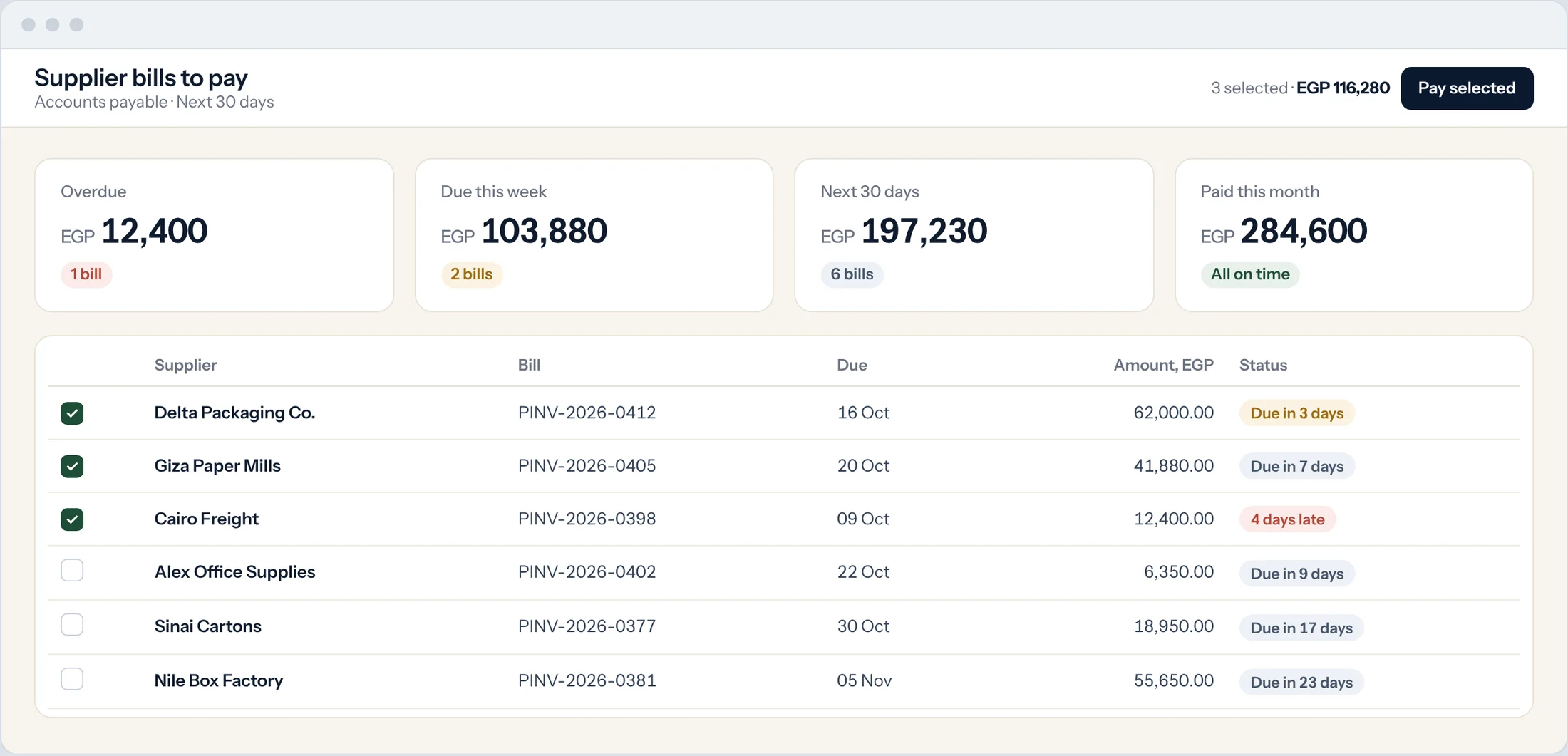
Start from the invoice
The quickest way: open the invoice or bill and select Create, then Payment. The party, amount and invoice fill in for you.
Or start a new payment
Type Payment Entry in the search bar at the top of any screen and press Enter. Choose Payment Type: Receive, Pay or Internal Transfer.
Choose the party
Set Party Type (Customer or Supplier) and Party, and choose the Mode of Payment, such as bank transfer or cheque.
Enter the amount
Enter the Paid Amount. Select Get Outstanding Invoices to list what this party owes, and allocate the payment against them.
Add the reference
For a cheque or transfer, enter the reference number and date. These are used when you reconcile the bank.
Submit
Select Save, then Submit. The invoices show as paid or partly paid.
Good to know
- A payment without an invoice is kept as an advance and can be allocated later.