
Count your stock
Compare what is on the shelf with the books, and post the difference.
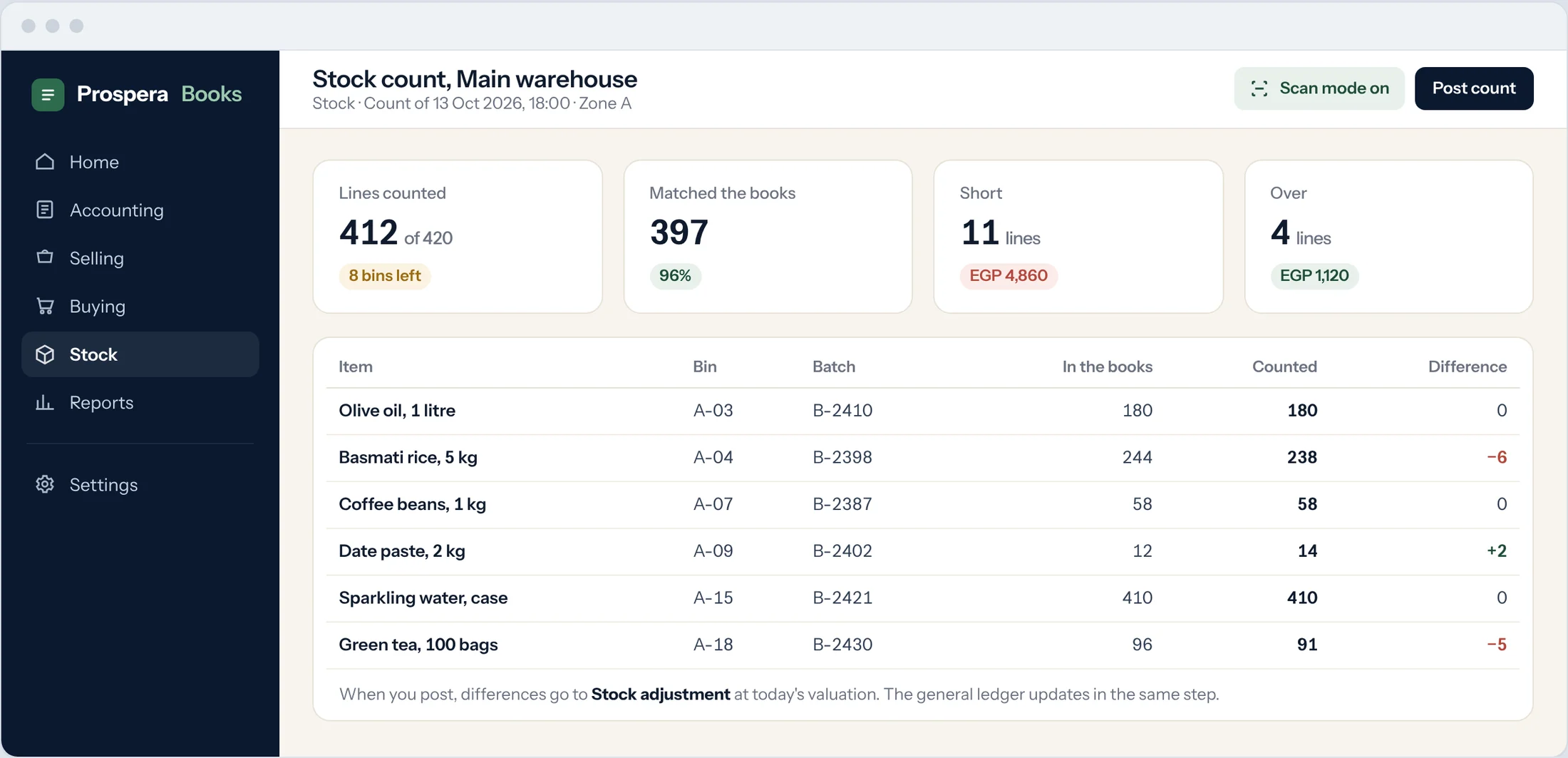
A stock count records the quantity you actually found. Prospera Books posts the difference to stock and to the ledger in one step.
Start the count
Type Stock Reconciliation in the search bar at the top of any screen and press Enter. Select Add Stock Reconciliation.
Choose the purpose
Set Purpose to Stock Reconciliation for a count, or Opening Stock when you load stock for the first time.
Choose the warehouse
Set the Default Warehouse, and use Scan Mode to count with a barcode scanner or phone.
Enter what you found
Add each item with the counted quantity. Prospera Books shows the current quantity beside it.
Check the difference
The Difference Amount shows the value of the gain or loss, posted to the Difference Account.
Submit
Select Save, then Submit. Stock and the ledger now match the shelf.