
Create a sales invoice
Bill a customer and post the sale.
A sales invoice records what a customer owes. Submitting it posts the income, the tax and the receivable to the ledger.
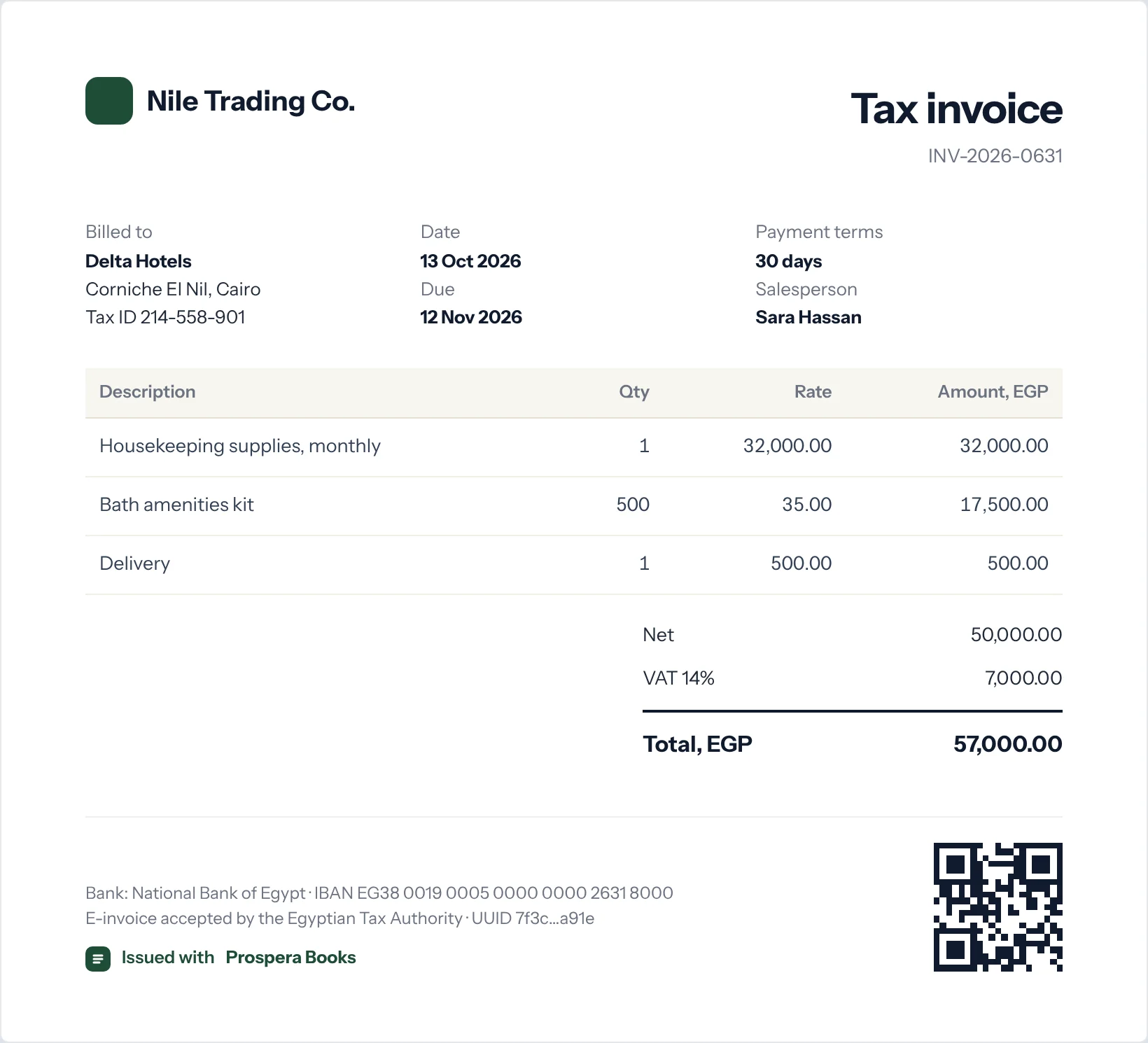
Start the invoice
Type Sales Invoice in the search bar at the top of any screen and press Enter. Select Add Sales Invoice. You can also create it from a quotation, sales order or delivery note so nothing is typed twice.
Choose the customer
Select the Customer. Their currency, price list and payment terms fill in.
Add the items
In Items, add each product or service with its quantity. The rate comes from the price list and can be changed.
Check tax
Choose the sales taxes template. Tax is calculated on each line and shown in the totals.
Update stock if needed
Tick Update Stock when you deliver the goods with the invoice and there is no separate delivery note.
Submit and send
Select Save, then Submit. Send it by email or print it. In Egypt, the e-invoice is sent to the Tax Authority when set up.
Good to know
- Set a Payment Due Date or payment terms so the invoice appears in your receivables ageing correctly.