
From purchase order to supplier bill
Order, receive and record what you owe.
A purchase order sets what you agreed to buy. The receipt records what arrived, and the purchase invoice records the supplier's bill. Each step is created from the one before.
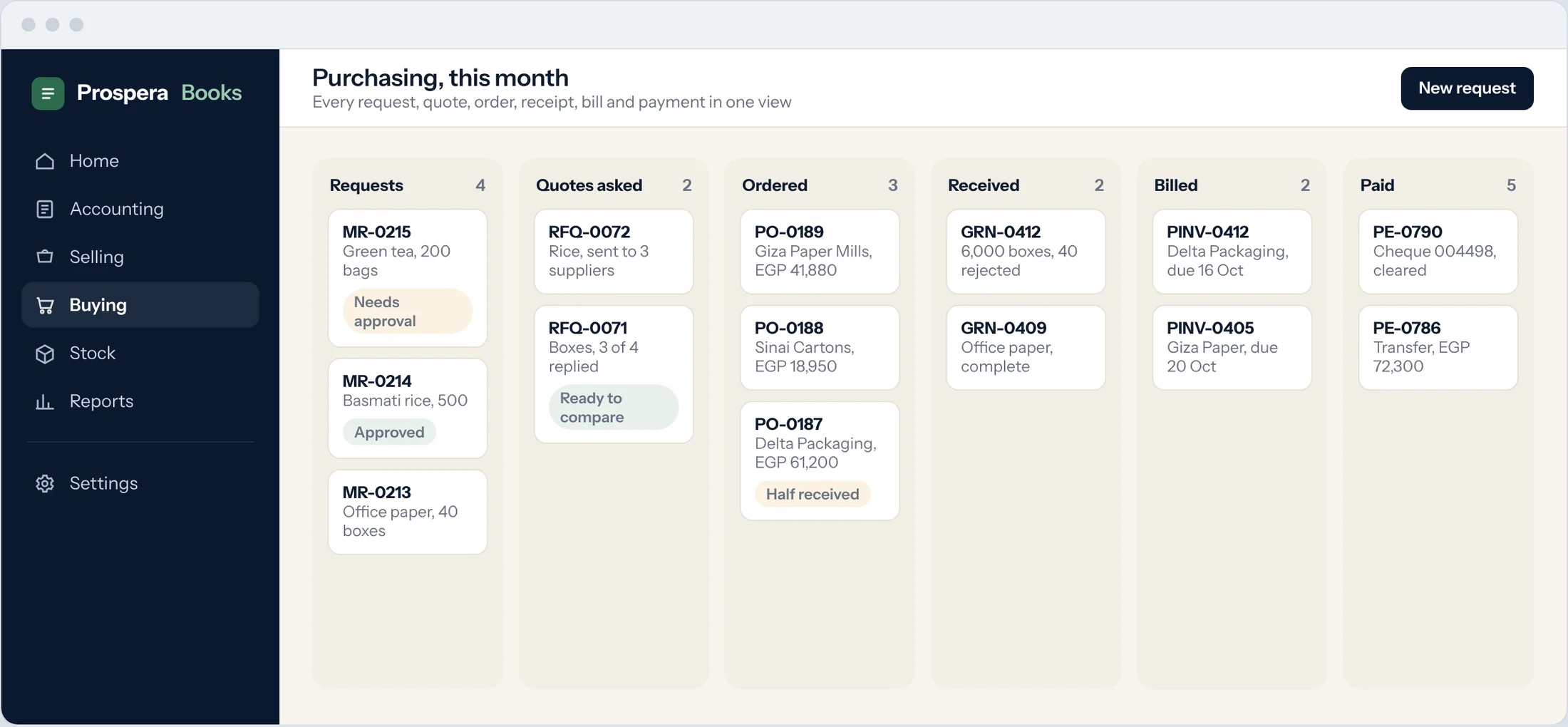
Create the purchase order
Type Purchase Order in the search bar at the top of any screen and press Enter. Select the Supplier, the Required By date and the items, then submit.
Receive the goods
From the order, select Create, then Purchase Receipt. Enter what actually arrived and submit. Stock goes up.
Record the bill
From the receipt or the order, select Create, then Purchase Invoice. Enter the Supplier Invoice No and date from their bill.
Check it matches
Compare quantities and rates with the order. Differences are visible before you submit.
Submit and pay
Submit the purchase invoice, then create the payment from it when it is due.
Good to know
- On the supplier, you can block bills without a purchase order or without a receipt, so nothing is paid that was not ordered and received.